You can delete one or more decisions in the 'All rules' view of the 'Match tuning UI'.
Only user decisions can be deleted. Inferred decisions cannot be removed directly, and only decisions associated with valid rule IDs (based on enabled matchers) are eligible for deletion.
To delete decisions:
-
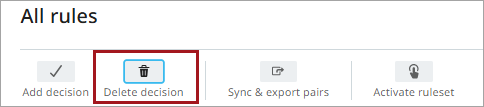
Click Delete decision.
-
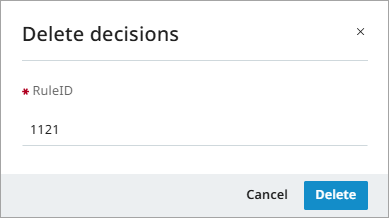
In the 'Delete decisions' dialog, enter the RuleIDs for the decisions you want to delete.
-
Click Delete.
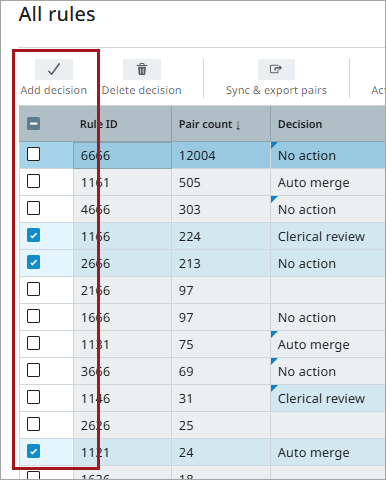
You can also delete decisions directly from the 'All rules' view by selecting decisions using the checkboxes and clicking Delete decision. A confirmation box opens, allowing you to review the selected rule IDs and the decision before confirming.
For more information, refer to the topics All Rules and Match Tuning UI.