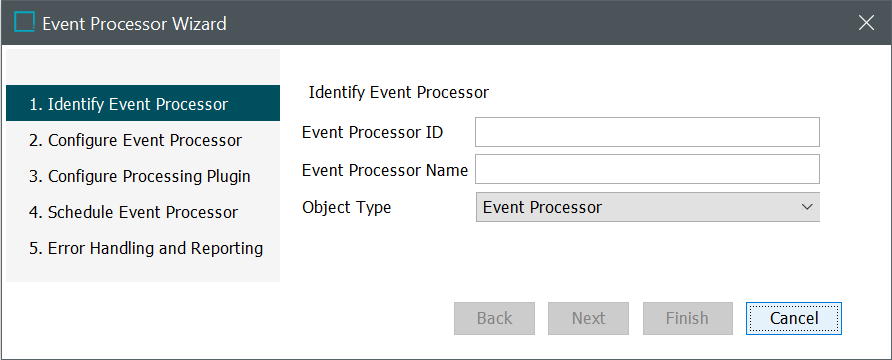
To complete the Event Processor Wizard Identify Event Processor steps:
-
Enter an ID without spaces. (IDs should never contain spaces, especially leading or trailing spaces.)
-
Enter a Name for the event processor. The name will be displayed as the name of the background process.
-
Confirm the object type parameter is set to the default event processor object type.
-
Click the Next button to display the EP - Configure Event Processor.