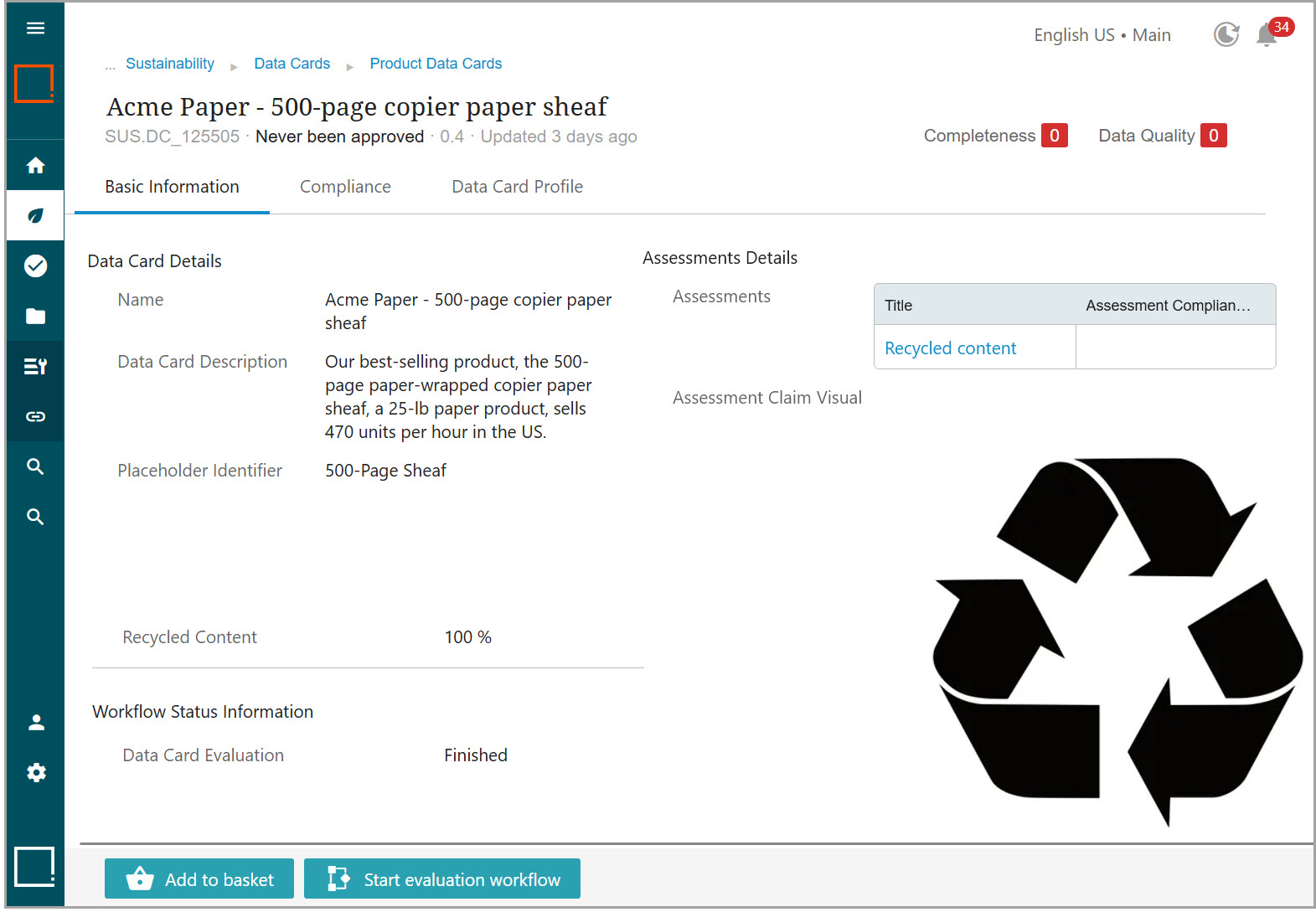
Recycled Content is an example of a threshold-based assessment. Depending on the 'Recycled' content value (as defined by a Number Range compliance type), a Product Data Card can be assigned different logos.
To create a threshold-based assessment, follow the steps listed below:
-
Create a new assessment by following the steps in the Creating Assessments topic.
-
Create a new criterion by following the steps in the Creating Criteria topic, and select the 'Number Range' compliance type. The fields specific to this compliance type display.
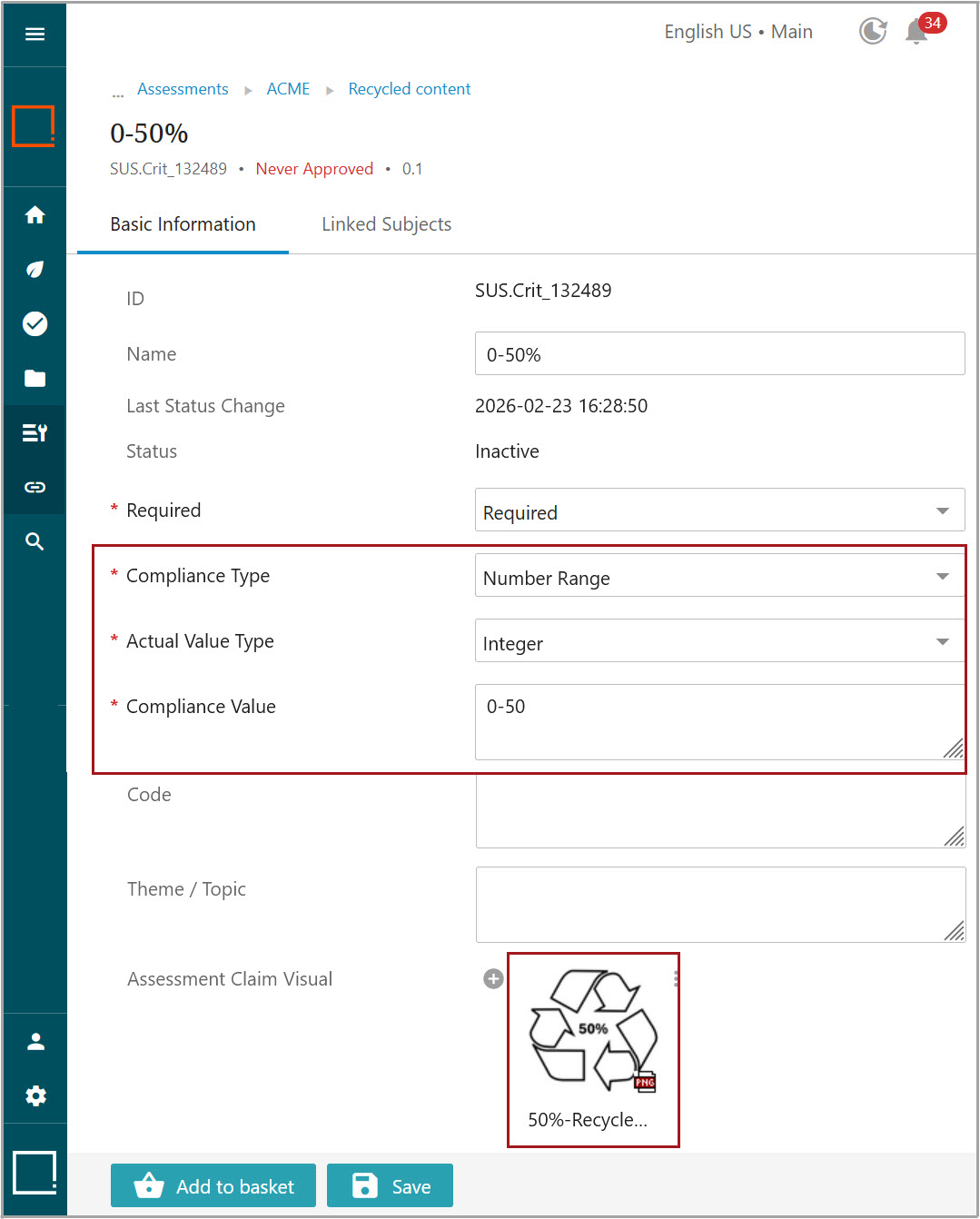
You can define the specific logo for each threshold so the Product Data Card gets the appropriate logo.
Once the assessment is created, it can be used in the Product Data Card.
Product Data Cards include the 'Recycled Content' attribute, which can be updated either manually in a workflow or in bulk via Import Product Data Cards.
When a Product Data Card has a 'Recycled Content' value and the 'Recycled Content' assessment attached, the Evaluation workflow can evaluate it and assign the logo that corresponds to the applicable threshold.