The following steps show how to configure an existing clerical review task list for the machine learning matching agent. For more information on creating a clerical review task list for golden records, see the Golden Record Clerical Review Task List topic here.
-
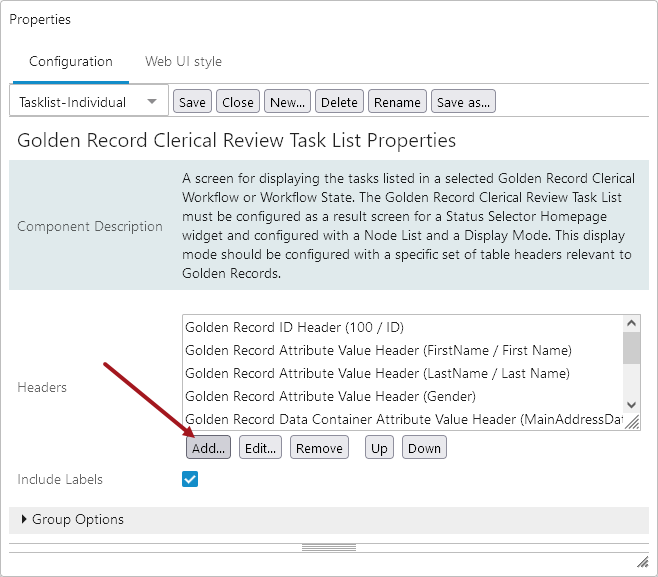
In design mode, navigate to the desired Golden Record Clerical Review Task List screen, and under 'Headers,' click Add.
-
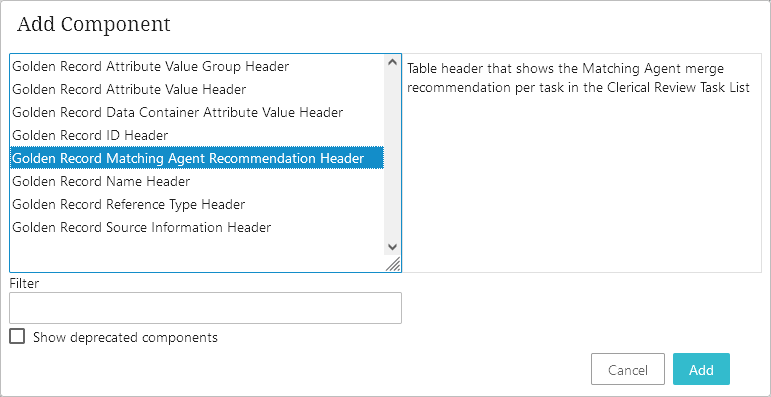
In the Add Component dialog, select the 'Golden Record Matching Agent Recommendation Header,' and click Add.
-
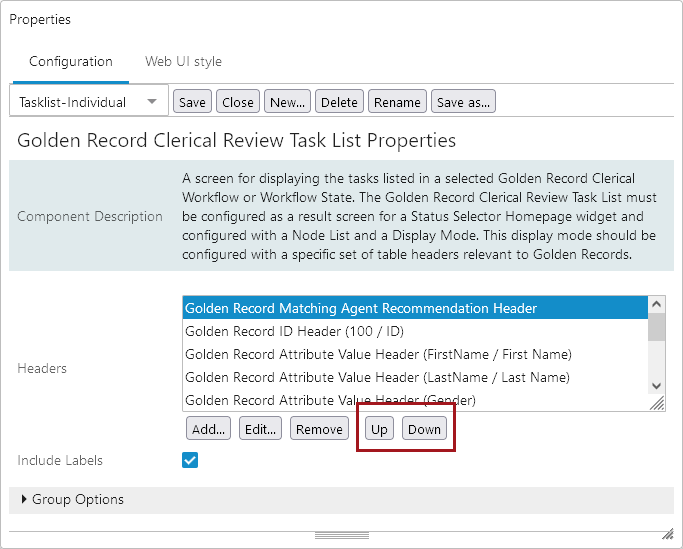
Use the Up and Down buttons to move the header to the desired location.
-
Click Save and Close.