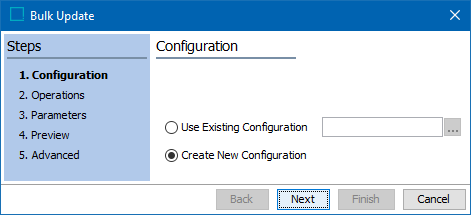
Specify the configuration to run for the bulk update.
-
Choose the option for the desired configuration:
-
Click the 'Use Existing Configuration' radio button to use a saved bulk update configuration, then click the selector button (
 ) to display the configuration selection dialog. Use the Browse or Search tab to select the relevant configuration and click the Select button.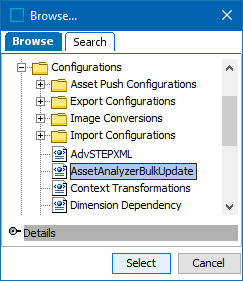
-
Click the 'Create New Configuration' radio button to create a new configuration.
-
-
Set the 'Skip Preview' checkbox as required. Depending on configured operations, the Preview step can execute irreversible actions in business rules such as email notifications or REST calls. By default, this option is checked, and the Preview is skipped.
-
Check to skip the preview step.
-
Uncheck to display the preview results and run associated business rules.
-
-
Click the Next button to display the Bulk Update Operations step.