Open topic with navigation
Bulk Update Configuration
Specify the configuration that should be run for the bulk update.
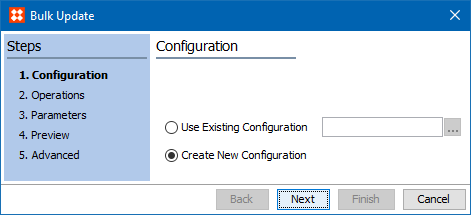
- Choose the option for the desired configuration:
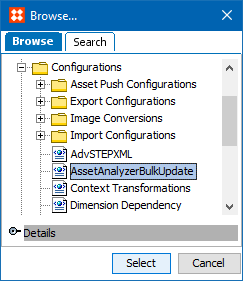
- Click the 'Use Existing Configuration' radio button to use a saved bulk update configuration, then click the ellipsis button (
 ) to display the configuration selection dialog. Select the relevant configuration and click the Select button.
- Click the 'Create New Configuration' radio button to create a new configuration.
- Click the Next button to display the Bulk Update Operations here.
2018, Stibo Systems – Confidential