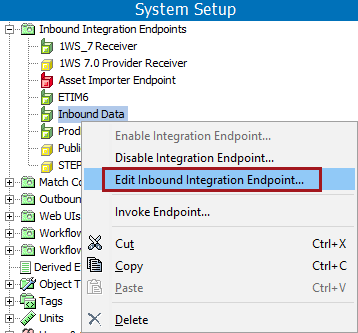
Inbound integration endpoint settings can be viewed in the Inbound Integration Endpoint editor. To edit the settings, reopen the wizard using the hyperlinks defined below, or with the Edit Inbound Endpoint option on the IIEP's right-click menu.
Each tab on the editor is defined below and includes parameters to maintain the IIEP.

This tab holds basic information within the following flippers:
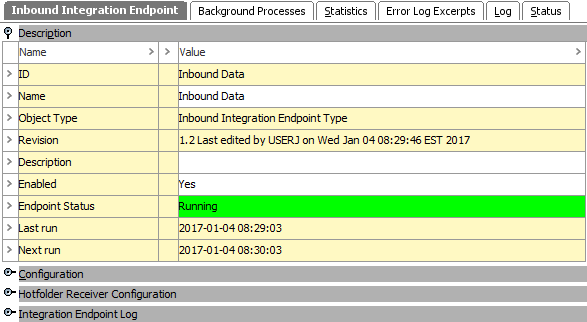
The Description flipper includes basic information to identify the IIEP. Only the name, description, and enabled parameters can be edited. This data is originally set up in the IIEP wizard, see IIEP - Identify Endpoint documentation here.
For information on the Endpoint Status, see Running an Inbound Integration Endpoint documentation here.
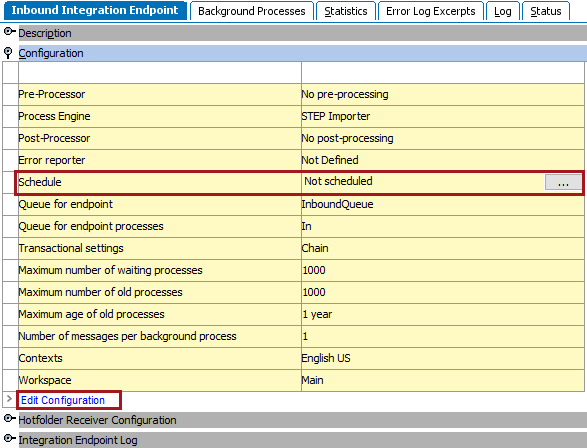
The Configuration flipper displays many of the settings determined through the wizard.
 ). This opens the wizard on the Schedule Endpoint step, see IIEP - Schedule Endpoint here.
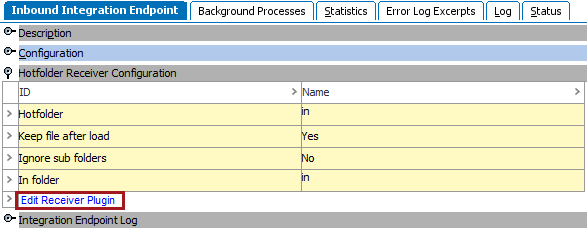
The Receiver Configuration flipper displays details about the receiver method selected for the IIEP. For more information about receiver methods, see IIEP Receiver Methods here.
The Integration Endpoint Log flipper contains information about the endpoint background process. An entry is generated each time the endpoint is invoked, when background processes generated by the endpoint are started, and when processing errors occur.
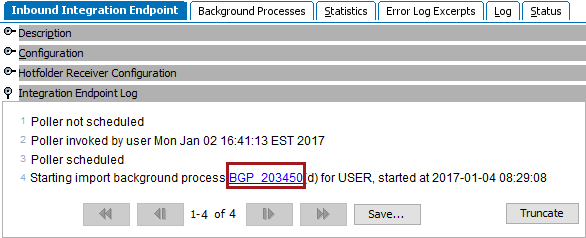
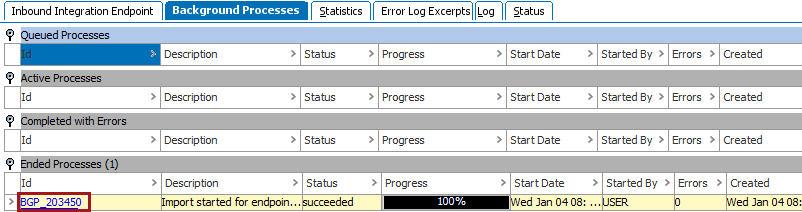
This tab holds information about any related processes. Hover over an ID to display the background process (BGP) link, click it to open the individual Importer Background Processes.
For more information, see the Monitoring an IIEP via Background Process section here.
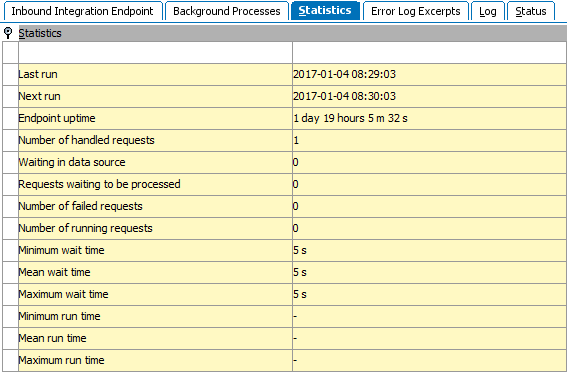
This tab provides statistics about the number of requests handled, run times, and wait times. Key measures are Endpoint up-time, Waiting in data source, Number of failed requests (Background Processes with errors), and Mean run time (average processing time per import). This data cannot be exported.
Note: Receiver plugins poll the data source to check for waiting files or messages more frequently than the IIEPs are invoked.
This tab shows data from the main Java log file related to failed background processes with Log Level > 'Info'. Click a hyperlink to a failed background process and correct the cause of the failed background process. For more information, see Handling Failed IIEP Background Processes here.

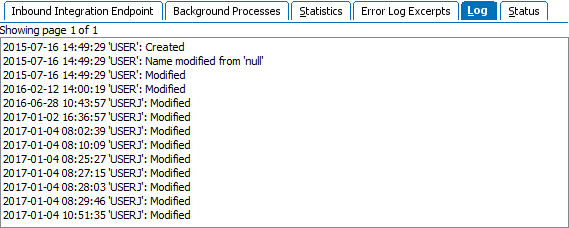
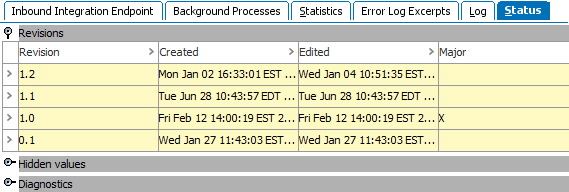
This tab provides information about changes to the IIEP configuration.
This tab provides information about revisions, hidden values and diagnostics.
2018, Stibo Systems