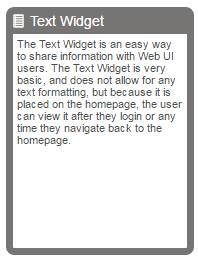
The purpose of the Text Widget is to provide an easy way to display custom text to all Web UI users. Though the Text Widget does not allow for any text formatting, it is a great way to display a custom message of welcome or next steps after logging in, because it can be displayed on the homepage, where users are directed after login.
The purpose of this section is to describe each of the parameters within the Text Widget Properties.
It is expected that anyone configuring the Text Widget is familiar with the Web UI Designer, as basic concepts for working with the designer are not covered in this section. In addition, the user must have appropriate privileges to access the designer.
For information on adding a widget to the homepage, please see the Adding Widgets to a Homepage section of the Homepage Widgets document here.
When configuring the Text Widget for the Homepage, there are three parameters to consider; Double Width, Text and Title.
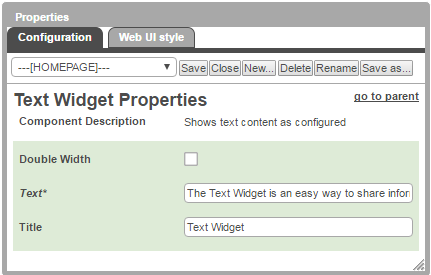
If the Double Width parameter is checked, the widget is doubled in size form the from the standard widget single width.
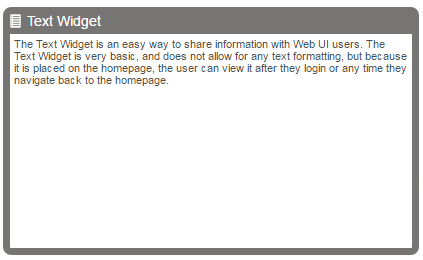
The Text parameter must be populated for the widget to be added to the homepage. When the Double Width parameter is checked, the widget can display approximately 1300 characters. When the Single Width parameter is checked, the widget can display approximately 600 characters.
The Title parameter is optional. When blank, the default title, 'Text', appears. When the Double Width parameter is checked, the Title can display approximately 50 characters. When the Single Width parameter is checked, the Title can display approximately 25 characters.
2017, Stibo Systems