Open topic with navigation
Viewing Overset Text
On the Page Inspector tab, you can view information about text oversets.
- From the Markers list, choose Show Oversets. The oversets are highlighted.
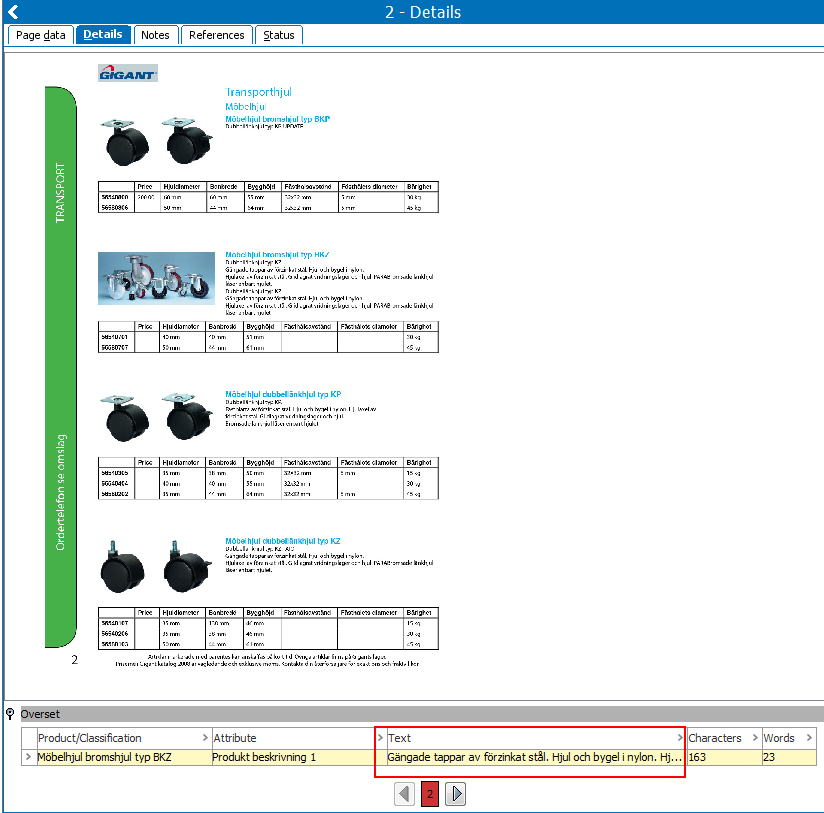
- Double-click the white space of the page that contains oversets, and then click the Details tab.
- Expand Details, and then expand Overset. You can now see the overset text. If you want to resolve the overset text, you can remount the object.
Note: You can also view information about overset text on the Publication Planner tab. If there are any oversets, they are listed in the Overset column.
2017, Stibo Systems