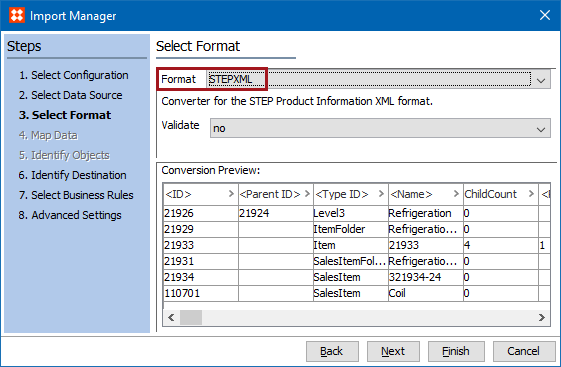
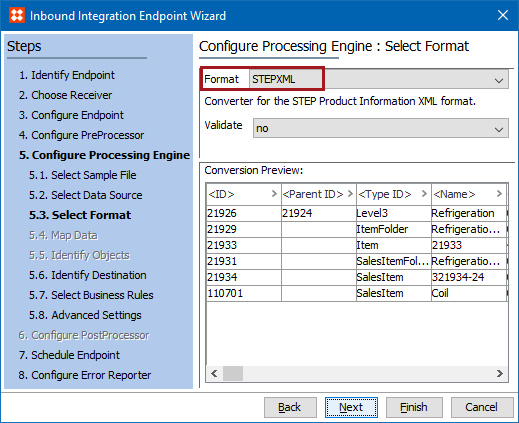
The Advanced STEPXML format and the STEPXML format provide access to the same functionality but each has its own interface. The STEPXML format is easier for beginners to use since its user interface includes parameters with valid options. Using the Advanced STEPXML format requires knowledge of the STEPXML tags, XML attributes, and valid settings that must be created manually.
As defined in the tags and examples documentation, not all data that can be exported using Advanced STEPXML can be imported again. Available tags and examples using STEPXML are available in the STEPXML Tags and Examples documentation here.
Note: For assistance in creating a valid Advanced STEPXML template, use the STEPXML user interface to output a template and then modify as needed for inbound or outbound STEPXML data. For more information, see STEPXML Format here.
Advanced STEPXML is available for selection in:
Since STEPXML is the native format for STEP, mapping data is not required and the Map Data step is disabled.
Although Advanced STEPXML is not available for selection in inbound tools, Advanced STEPXML files can be imported successfully using the STEPXML Format (here) option.
Import Manager
IIEP
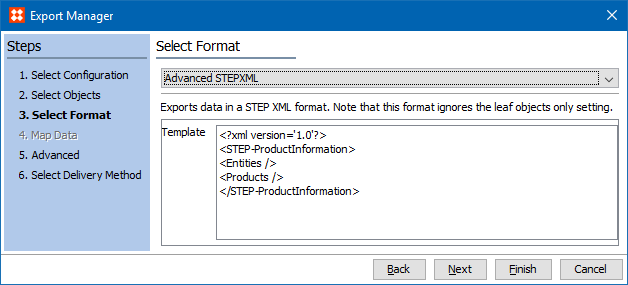
The default template loaded for export will output all entities and products. Update it with your own template to configure the data and layout of the export. Available tags and examples using STEPXML are available in the STEPXML Tags and Examples documentation here. Ultimately, the template must be based on the STEPXML XSD. See the STEP API Documentation for a link to the XSD file.
Export Manager
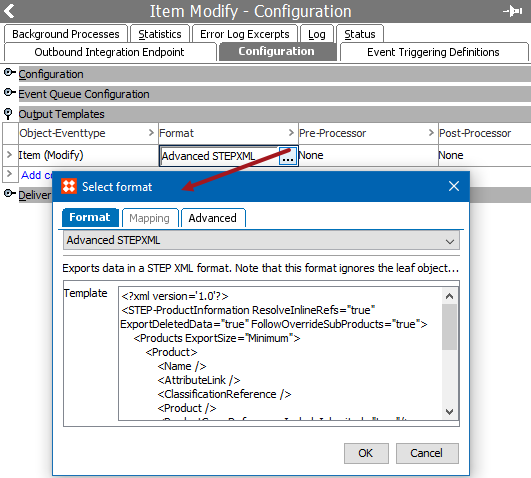
OIEP
2017, Stibo Systems