
STEPXML is the native XML format for STEP. Where other supported import / export formats are limited to specific super types and node types, STEPXML makes it possible to import / export the majority of the STEP configuration and data objects. STEPXML is especially suited for transferring data and configurations between systems in a DTAP (Development, Testing, Acceptance, and Production) environment and for inbound integrations with systems / middleware capable of producing STEPXML.
As illustrated below, all data that enters and exits STEP via any inbound / outbound functionality uses the STEPXML format. For example, when a CSV file is selected for import, STEP converts the data to STEPXML and then imports the data.
The following limitations exist with STEPXML:
The schema is not publicly available. This means it is not possible to validate STEPXML without access to the XSD file.
The XSD file for STEP XML is available at:
http://[application server]/files
A web view of the schema is available at:
http://[application server]/xsd/index.html
The STEPXML schema is extended continuously but should always be backwards compatible. For more information on legacy naming conventions, see the Backward Compatibility in STEPXML documentation here.
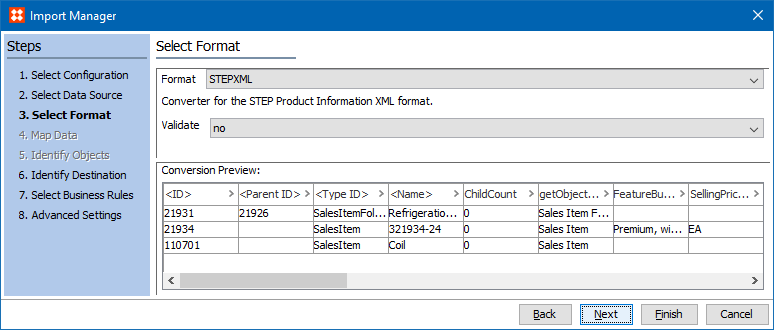
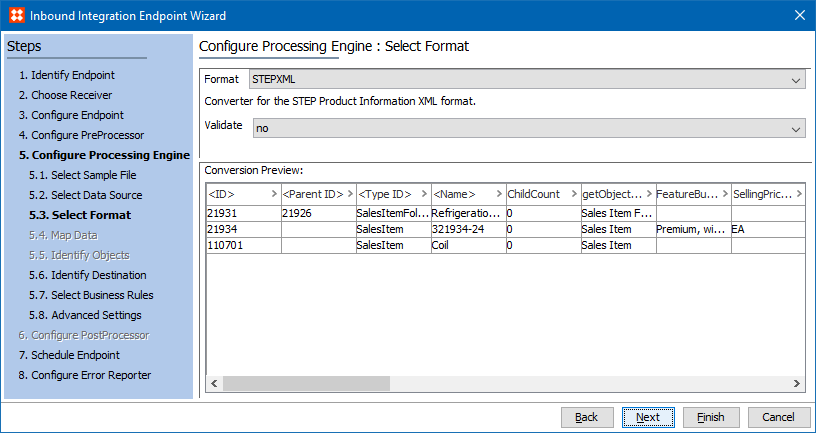
STEPXML is available for selection in:
Since STEPXML is the native format for STEP, mapping data is not required and the Map Data step is disabled.
STEPXML can contain a number of different processing instructions for import. Some of these instructions are similar to the options available in the import wizard for the tabular formats (non-XML formats like Excel, CSV, and FixedWidth).
Inbound Parameters
An inbound file can create new objects, update existing objects, and delete existing values and links, among other options. For more information, see the STEPXML Tags and Examples documentation here.
Import Manager
IIEP
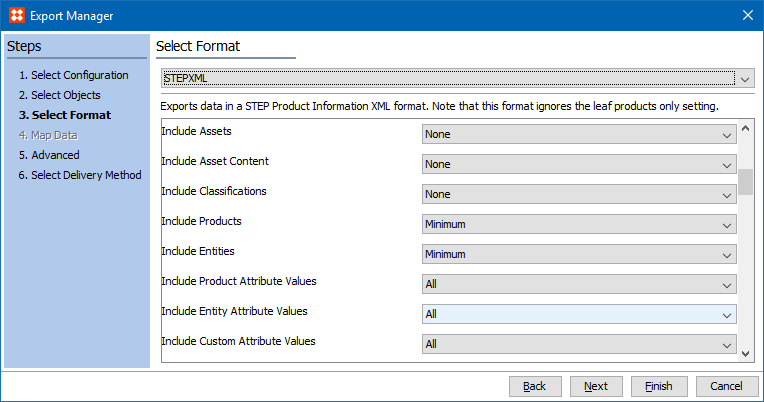
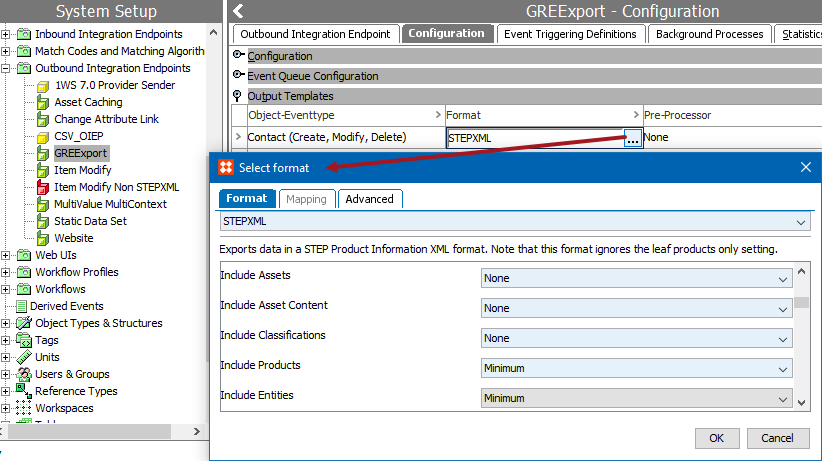
The STEPXML format uses a number of parameters to determine the data included or excluded for the export file. While the output format is the same as using Advanced STEPXML, these parameters eliminate the need for creating an XML template.
Outbound Parameters
All parameters available via STEPXML are also available in Advanced STEPXML, which includes additional options. An export using the STEPXML format generates a file that can be used as a template for additional imports or exports using Advanced STEPXML. For details about each STEPXML parameter, see the STEPXML Outbound Parameters documentation here.
Export Manager
OIEP
2017, Stibo Systems