The Configuration tool is a feature that enables users with admin privileges to configure preset settings in New UI. The purpose of the Configuration tool is to enable businesses to tailor and customize work areas to specific user roles within their organization, streamlining New UI with simple steps to meet customer needs.
The Configuration Tool controls the following areas:
-
General settings: sets context for users. For more information refer to the Configuration Tool General Settings topic.
-
Work areas and perspectives: admin users can create preset (default) work areas and perspectives for users. For more information refer to the Configuration Tool: Creating Perspectives and Work Areas topic.
-
Tabs setup: admin users can create default tabs in perspectives for users. For more information refer to the Configuration Tool Tabs Setup topic.
-
Specific views: admin users can maintain table configurations for end users.
-
For more information on browse table configurations refer to the Creating a Browse Perspective topic.
-
For information on reference and referenced by table configurations, refer to the Creating a Reference Table Configuration in Specific Views topic.
-
For information on Info panel configurations, refer to the Creating an Info Panel Configuration in Specific Views topic.
-
-
Actions: admin users can create preset actions that are automatically triggered based on the type of action created. For more information refer to the Configuration Tool Actions topic.
Accessing the Configuration Tool
The 'Open in Configurations tool' option is available only to users with the 'Web UI Administration' setup action. When an admin user is logged in, a gear button displays in the upper-right corner of the screen. The Configuration tool is accessible by clicking this button.

Additionally, administrators can click the pencil button that displays when hovering over configured work areas and perspectives, or the dropdown arrow that displays when hovering over a tab, and select the 'Open in Configuration tool' option to navigate directly to their corresponding definitions in the Configuration tool. This provides direct access to the relevant configuration and reduces the need to manually locate configuration elements.
The option is available for preset work areas, perspectives, and tabs that have definitions in the Configuration tool.
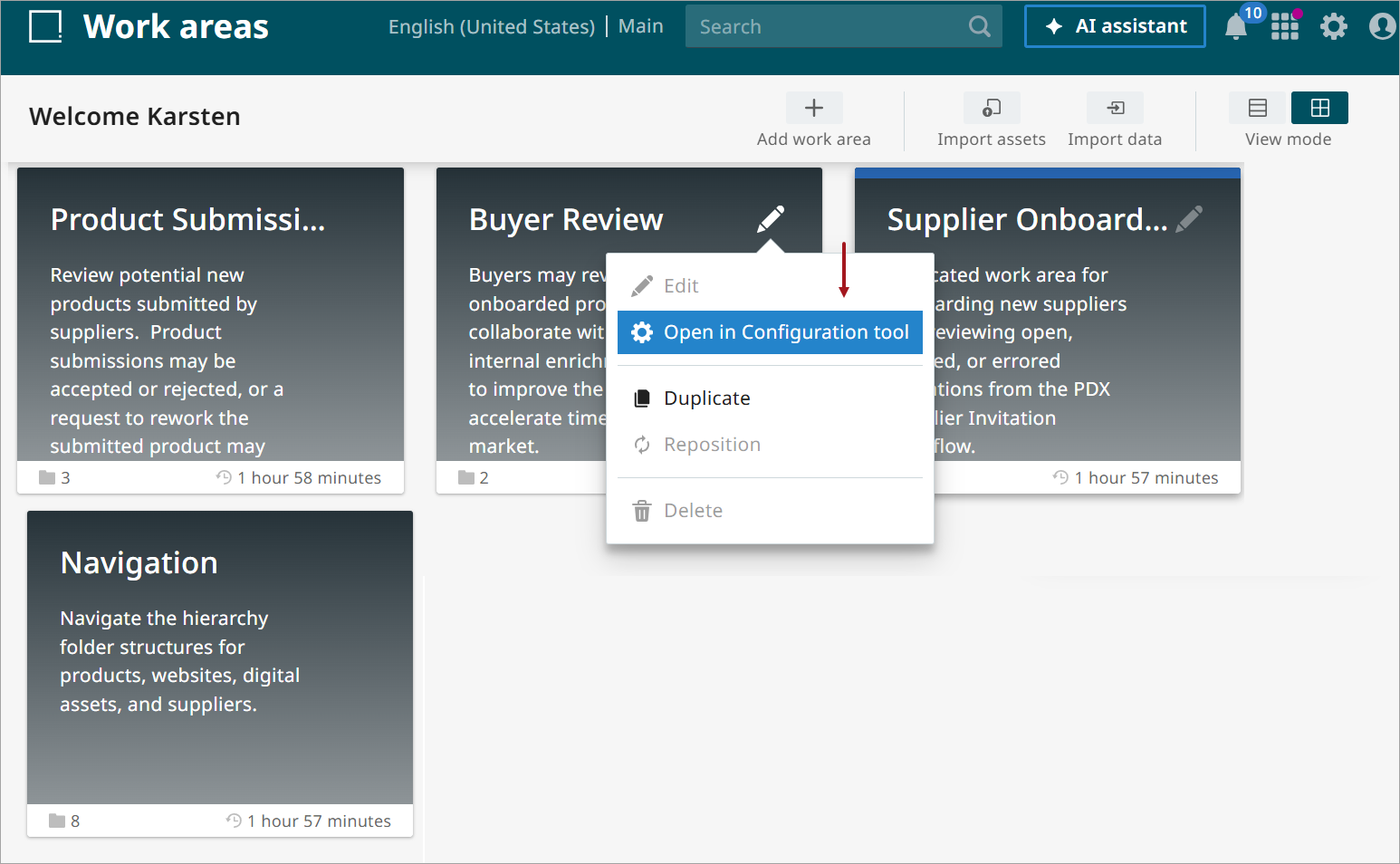
Note: For custom work areas, custom perspectives, and the system Default tab, the option is displayed but disabled because these elements do not have corresponding Configuration tool definitions.
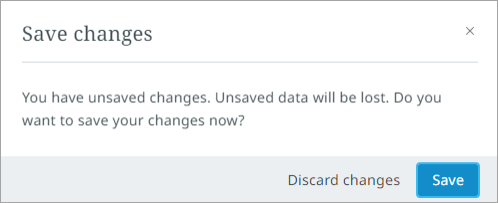
Any changes, deletions, or additions made in the Configuration tool will not be auto-saved. If the admin user tries to leave the page without saving, the 'Save changes' dialog will appear until the user has clicked 'Save' or 'Discard changes'. Users can also exit the dialog without saving changes by clicking the 'x' in the upper-right corner.