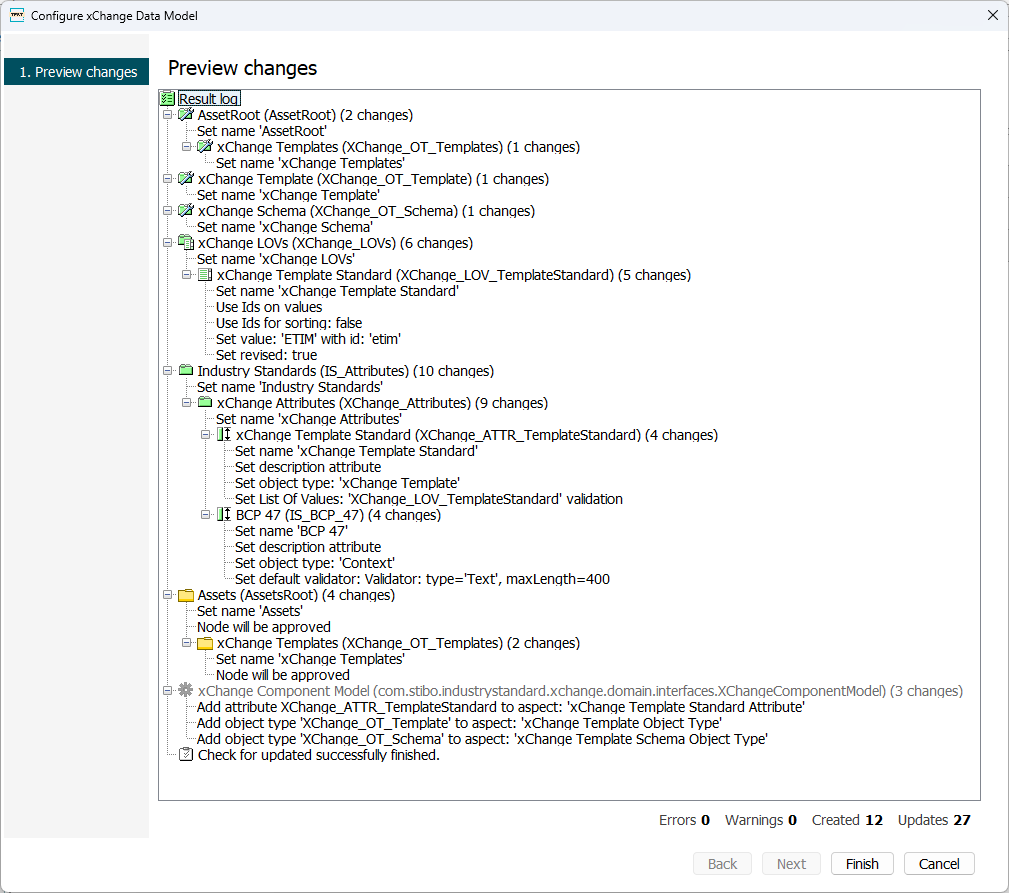
In order to begin exporting ETIM data using the xChange format, the component model and any required languages must be mapped to STEP.
Running Easy Setup will map the component model to STEP, including creating necessary asset root files, xChange template files, industry standard xChange attributes, and more. For more information, refer to the 3. Run Easy Setup of Standards topic in the Solution Enablement: Product MDM for Automotive documentation.
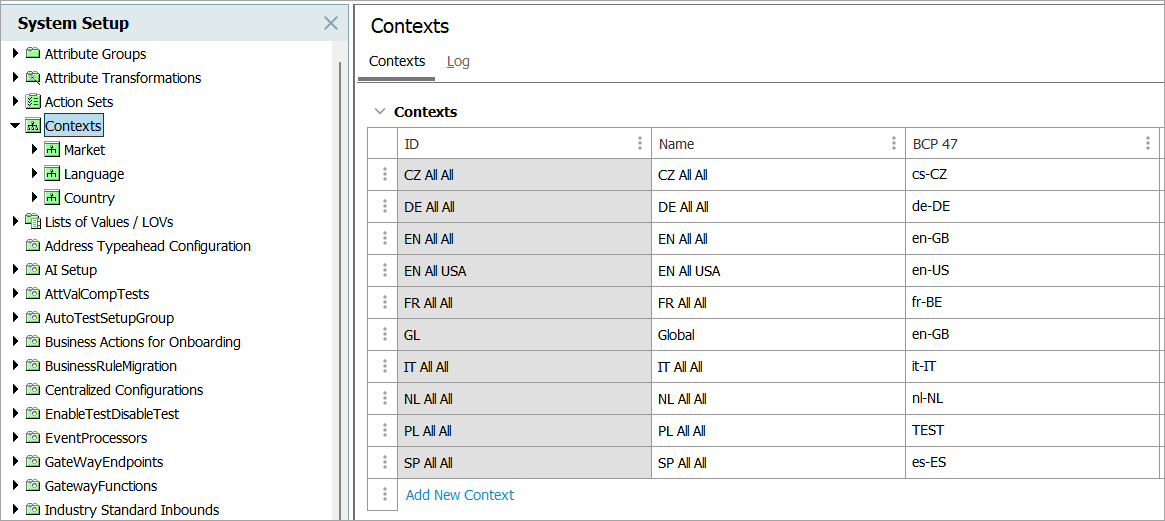
Once Easy Setup has been run, the BCP 47 standard language context must be manually added via Contexts in System Setup. For more information on adding contexts, refer to the Maintaining Contexts topic in the System Setup documentation.