Customers using external authentication (also called federated authentication with an Identity Provider) for the SaaS SSUI are eligible to activate Role-Based Access Control (RBAC). Initial configuration by Stibo Systems Support is required.
Once prerequisites are checked and configurations are in place, users are limited to a scope of environments and a set of features that depend on the group(s) they are placed in.
A user can be a member of multiple groups within:
-
AdminProd
-
AdminNonProd
-
DevProd
-
DevNonProd
-
AuditorProd
-
AuditorNonProd
-
IpAclManagerProd
-
IpAclManagerNonProd
-
SFTPManagerProd
-
SFTPManagerNonProd
-
ConfigManagerProd
-
ConfigManagerNonProd
Each of the groups has a 'Prod' (production) and 'NonProd' (non-production) variant:
-
Users that are members of a 'Prod' group can access the features associated with the group for all environments.
-
Users that are members of a 'NonProd' group can only access the features associated with the group for non-production environments.
Since the 'Prod' groups also apply to the 'NonProd' environments, there is no benefit in placing a user in the 'Prod' and also in the 'NonProd' variant of the same group. Instead, placing a user only in the 'Prod' group ensures they have all possible access.
The Prod / NonProd variants of the 'Admin' groups grant access to all features for the corresponding environments (all or non-prod only, respectively). Below are the features associated with each group, which apply to each group's Prod / NonProd variant:
-
Dev: Manage Modular Services, Update environment(s), Refresh Configuration
-
Auditor: Access Security Events Logs, Access User Activity Logs
-
IpAclManager: Manage IP Access Control List
-
SFTPManager: Manage SFTP Access Control
-
ConfigManager: Manage Configuration Files, Manage Configuration Properties
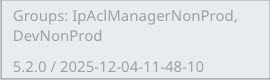
For troubleshooting purposes when RBAC is used, the group(s) a user is a member of are shown at the bottom left of the screen above the SaaS SSUI version:
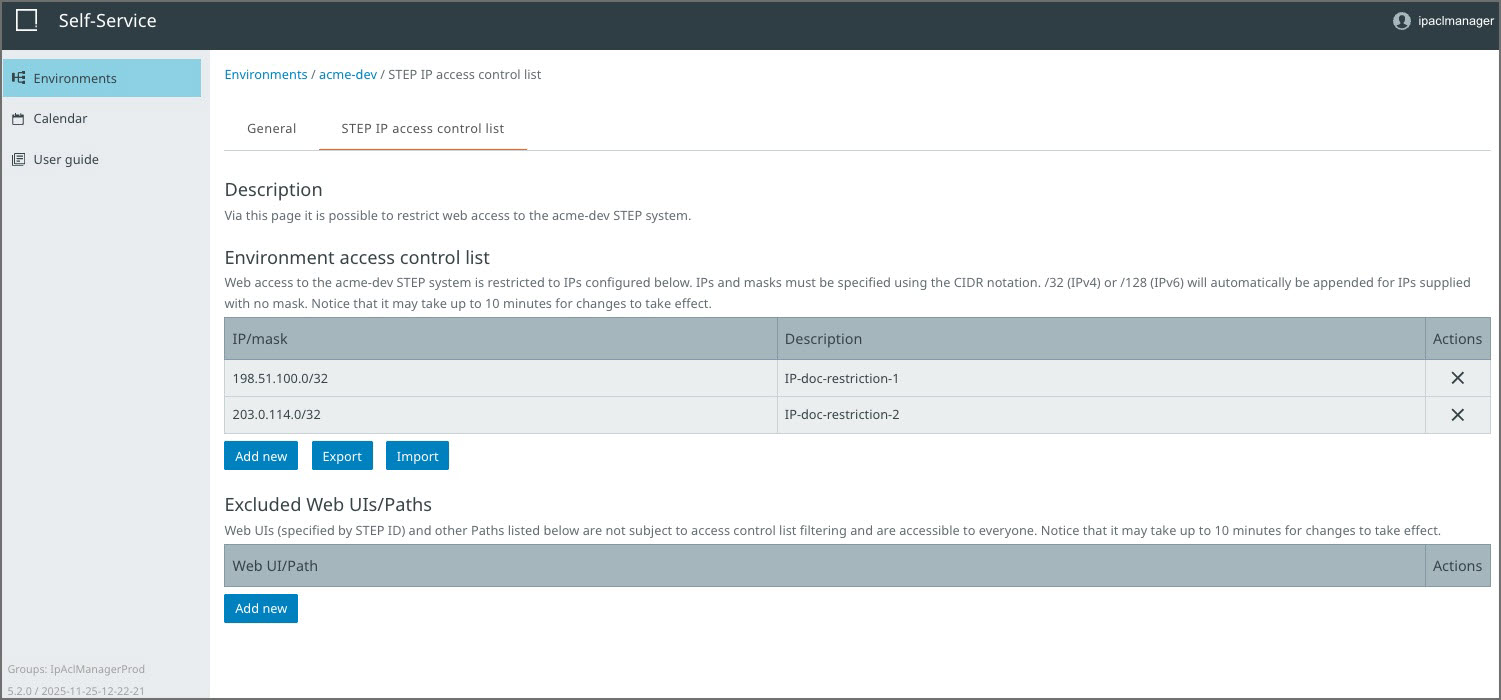
For example, an environment as seen by a member of the 'IpAclManagerProd' group displays only the read-only 'General' tab and the 'STEP IP access control list' tab:
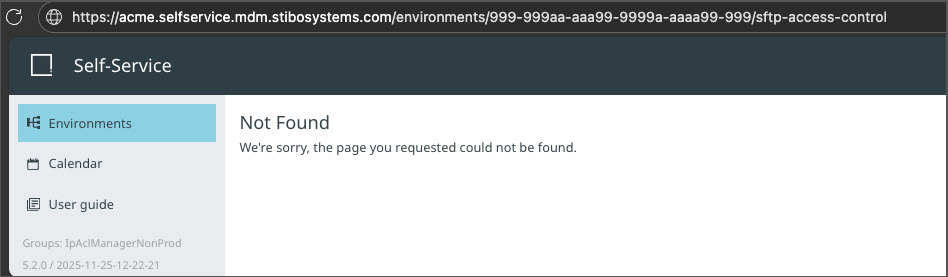
When trying to access an SSUI URL corresponding to a feature that is not accessible with the current group(s) directly, the ‘Not Found' message is presented. In the example below, a user who is a member of 'IPAclManagerProd' group is trying to access the SFTP access control tab for a given environment:
For customers not using RBAC (which is the current default), there is no limitation in the scope of environments nor features. All users have access that is equivalent to the 'AdminProd' group.