The 'Security events' tab gives you a view into user log in, log out, and failed log in attempts.
For environments running STEP 2025.2 or higher, log entries also include privilege changes and user change information such as:
-
User creation and deletion
-
Group changes to users
-
Property changes to users
-
Deactivation or reactivation of users
-
Changes to privileges on User groups
By default, the oldest entries are displayed first. Log entries can be limited to a date-time range using the calendar buttons to change the selected 'from' and 'to' date-time (UTC) options. Click the 'Now (UTC)' button to display the most recent entries.
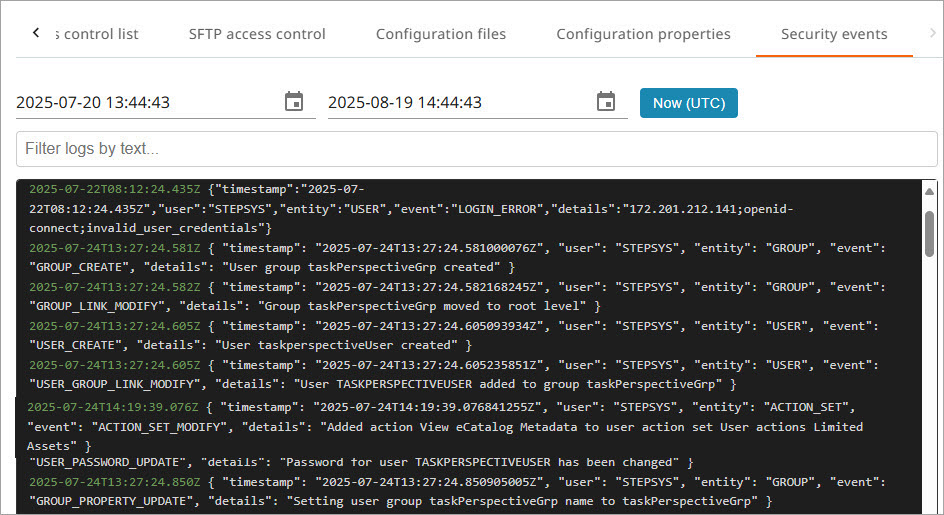
To filter the logs, enter the required text in the 'Filter logs by text' parameter and/or in the 'Exclude logs containing text' parameter, depending on what needs to be included and/or excluded.
Important: Logs are available for the last 30 days.