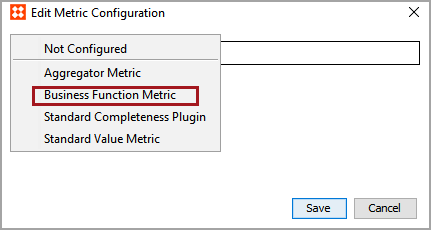
Business Function metrics use JavaScript business functions to evaluate data and return metric scores, and depending on the JavaScript, messages that provide more detailed information about the returned scores.
For information on business functions, see the Business Functions topic of the Business Rules documentation here.
Before metrics can be created, a Setup Group must be configured to hold the metrics. For information on configuring a setup group for metrics, see the Initial Setup for Metrics topic in the Metrics documentation here.
For information on creating a metric, see the Creating and Editing Metrics topic in the Metrics documentation here.
To configure a business function metric:
 ) by the Business function for Metric parameter.
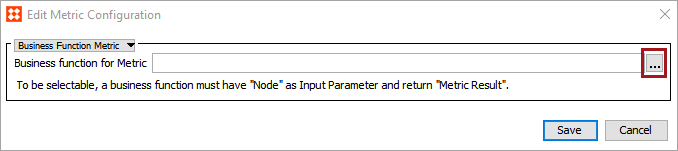
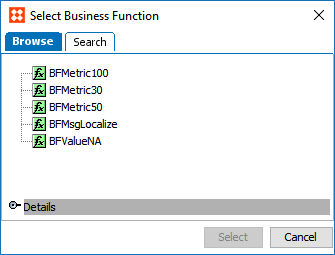
Note: For a business function to be selectable for a business function metric, it must have 'Node' as the input and 'Metric Result' as the return type.
The business function metric is configured and ready for use.
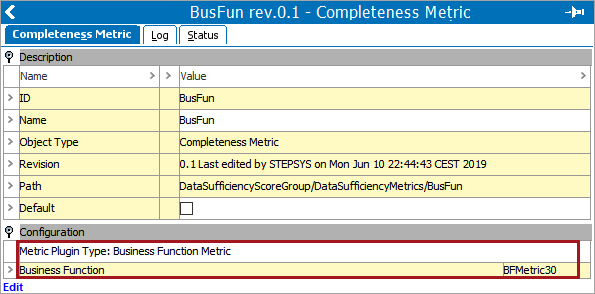
With the configured metric selected, the name of the metric plugin type (in this case, 'Business Function Metric') and the name of the selected business function will be listed under the Configuration flipper.
2020, Stibo Systems – Confidential