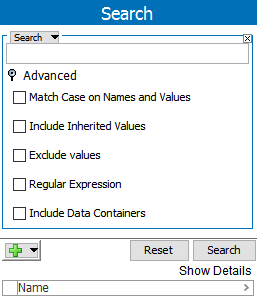
Additional options for narrowing a search can be accessed under the Advanced flipper in Search.
Each of the following advanced options is described in the following sections:
For example, this is a basic search with search criteria of 'Search = T-Shirt.'
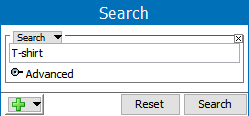
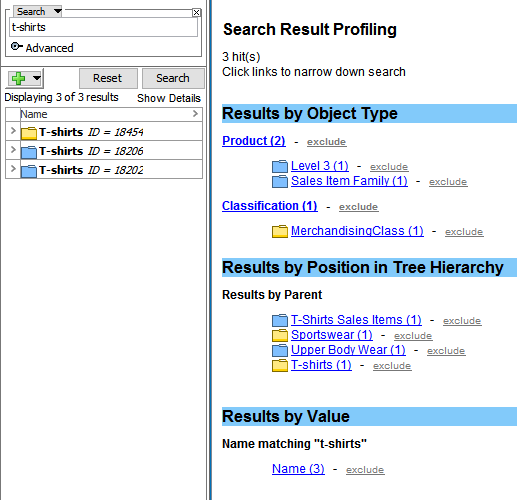
The search results are displayed with all the objects in STEP that match the search criteria, in this case 'T-shirt.'
STEP objects in the search result includes:
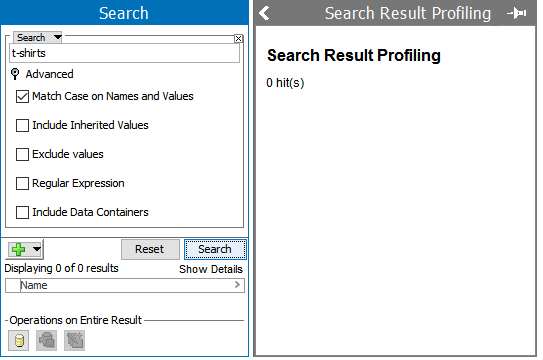
Now, on the search, select the Advanced option 'Match Case on Names and Values.'
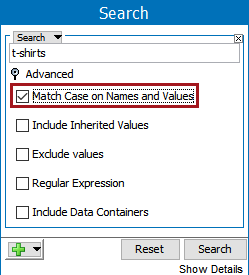
With this option selected, the search result will only include attribute values and all the object names in STEP that match the search criteria in the correct case. Since the previous search results were all a different case, this search will return no results.
Note: ID searches are always case sensitive.
Attribute values with hierarchical inheritance (values with green triangle) will only be included in the search result when Include Inherited Values option is selected.

The Exclude values in advanced search are useful for neglecting objects which are having search content as a value in it.
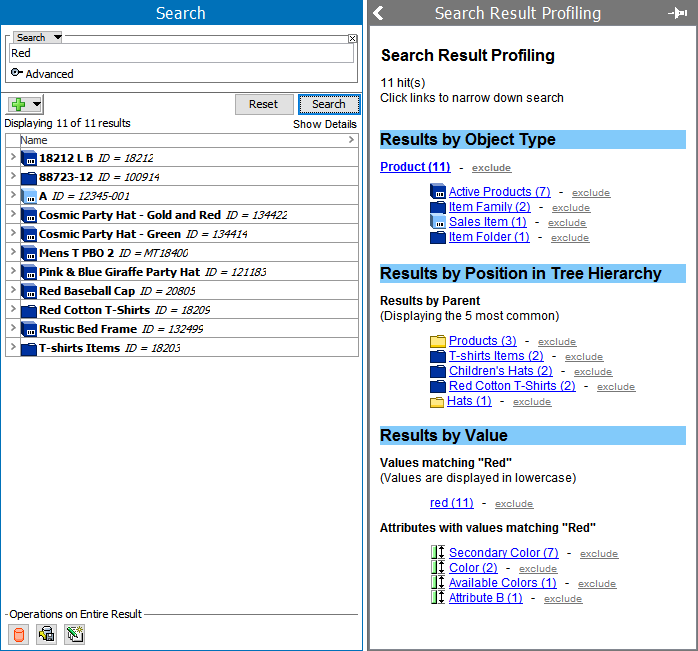
For example, assume there are attributes which has value 'Red' in few objects and there are objects which has Object Name/ID as 'Red.'
If a normal search is performed, the results for 'Red' are shown below.
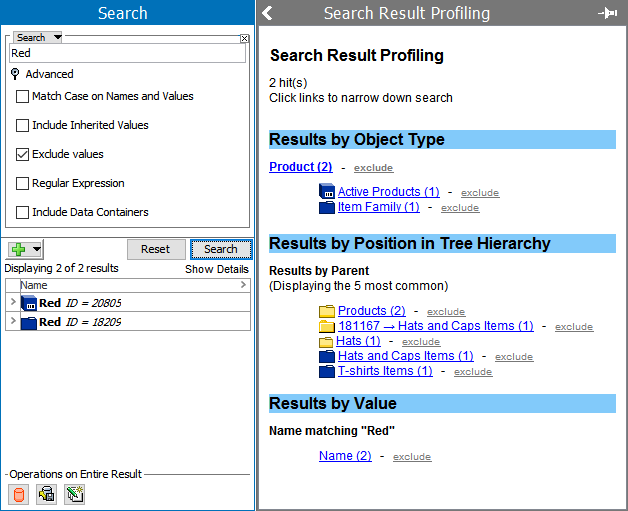
If the same search is performed but with 'Exclude Values' selected under Advanced, only attribute IDs and Names matching the search are turned.
2020, Stibo Systems – Confidential