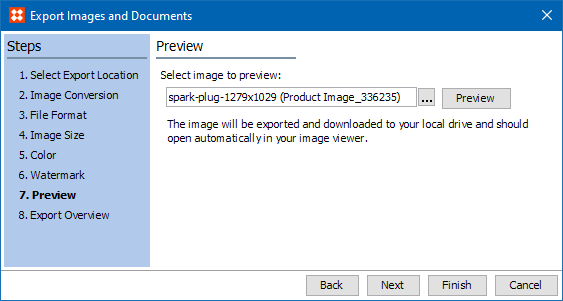
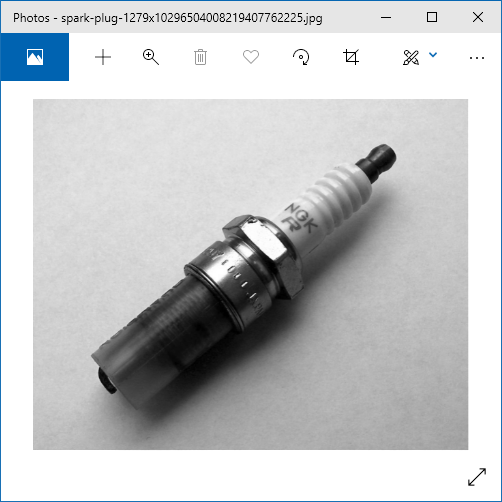
The Preview step allows you to preview a specified image in your computer's default asset viewer to ensure that the image looks correct when the color definition is changed, a watermark is applied, when a predefined image conversion pipeline is used, or when a predefined script is used.
This step is available only when a custom image conversion configuration is selected in the Image Conversion step.
 ) adjacent to the 'Select image to preview' field to browse to or search for the asset that you would like to preview.
2020, Stibo Systems – Confidential