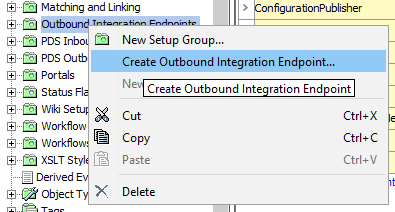
This section describes step-by-step how an outbound integration endpoint can be configured to be used for publishing the system configuration to a remote Git repository.
Note: If you want to compare the configurations from multiple systems, the endpoint configuration on the systems should be identical (except for the Git branch 'Git Delivery' plugin information).
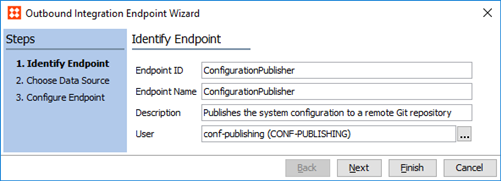
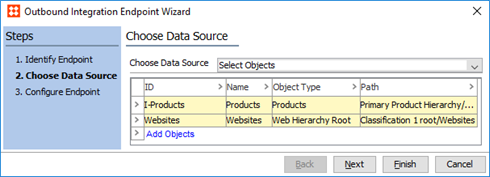
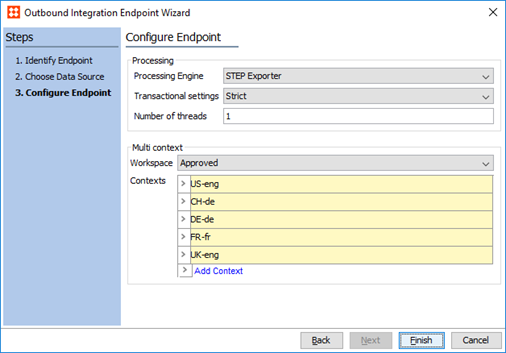
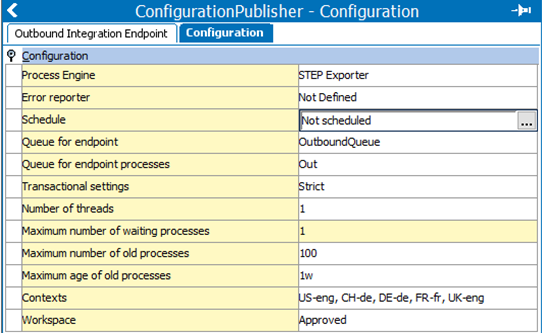
Note: The Git delivery plugin will only work with a single output template.
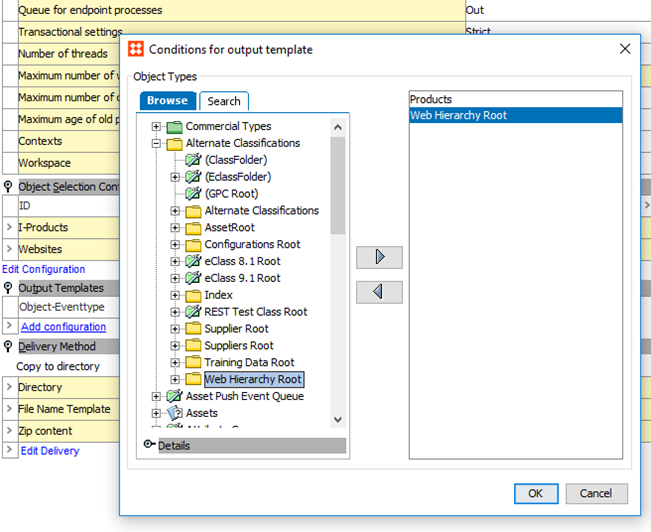
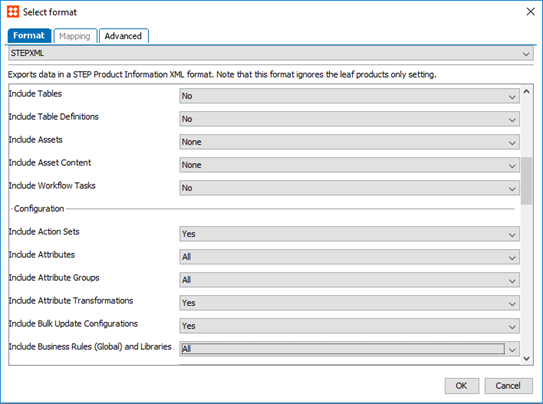
If 'STEPXML' is selected, select 'Yes' / 'All' for the configuration types to export, 'Minimum' for products, entities, and classifications, if these are to be exported and 'No' / 'None' for all types that should not be published.
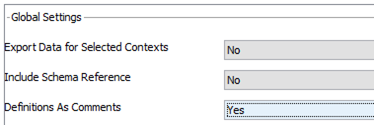
Further, to make obfuscated configurations (e.g., business rules) comparable outside STEP, select 'Yes' to export 'Definitions As Comments'.
If the 'Advanced STEPXML' option is selected, enter the appropriate template and make sure to set the STEP-ProductInformattion 'DefinitionsAsComments' attribute to 'true'.
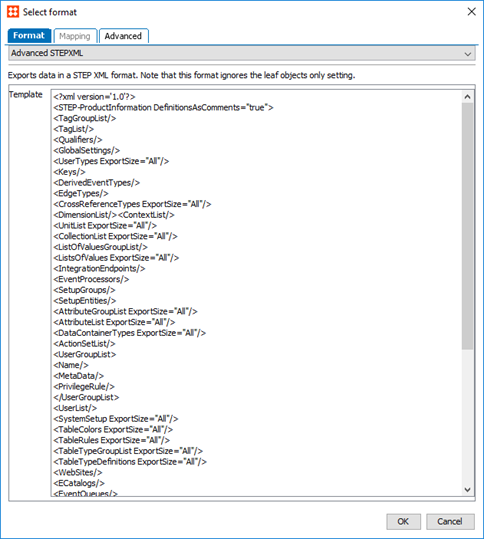
Full example configuration with product object type filtering is shown below:
<?xml version='1.0'?>
<STEP-ProductInformation DefinitionsAsComments='true'>
  <TagGroupList/>
  <TagList/>
  <Qualifiers/>
  <GlobalSettings/>
  <UserTypes ExportSize='All'/>
  <Keys/>
  <DerivedEventTypes/>
  <EdgeTypes/>
  <CrossReferenceTypes ExportSize='All'/>
  <DimensionList/>
  <ContextList/>
  <UnitList ExportSize='All'/>
  <CollectionList ExportSize='All'/>
  <ListOfValuesGroupList/>
  <ListsOfValues ExportSize='All'/>
  <IntegrationEndpoints/>
  <EventProcessors/>
  <SetupGroups/>
  <SetupEntities/>
  <AttributeGroupList ExportSize='All'/>
  <AttributeList ExportSize='All'/>
  <DataContainerTypes ExportSize='All'/>
  <ActionSetList/>
  <UserGroupList/>
  <UserList/>
  <SystemSetup ExportSize='All'/>
  <TableColors ExportSize='All'/>
  <TableRules ExportSize='All'/>
  <TableTypeGroupList ExportSize='All'/>
  <TableTypeDefinitions ExportSize='All'/>
  <ECatalogs/>
  <EventQueues/>
  <STEPWorkflows ExportSize='All'/>
  <BusinessLibraries ExportSize='All'/>
  <BusinessRules ExportSize='All'/>
  <MatchCodes/>
  <MatchingAlgorithms/>
  <PortalConfigurations ExportSize='All'/>
  <AttributeTransformationGroups/>
  <ImportConfigurations ExportSize='All'/>
  <ExportConfigurations ExportSize='All'/>
  <BulkUpdateConfigurations ExportSize='All'/>
  <TransformationLookupTableConfigurations ExportSize='All'/>
  <ComponentModels/>
  <Products ExportSize='Minimum'>
    <FilterUserType ID='Level1'/>
    <FilterUserType ID='Level2'/>
    <FilterUserType ID='Level3'/>
    <Product/>
  </Products>
  <Classifications ExportSize='Minimum'/>
</STEP-ProductInformation>
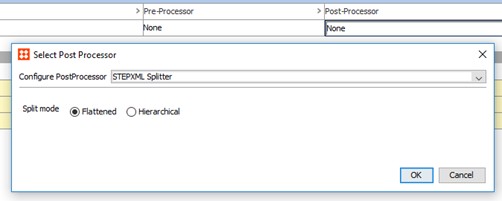
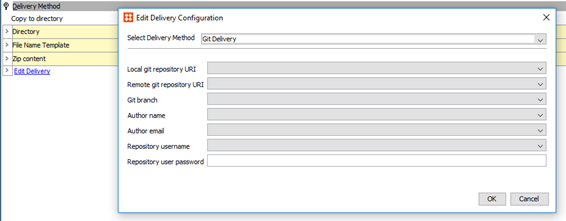
2020, Stibo Systems – Confidential