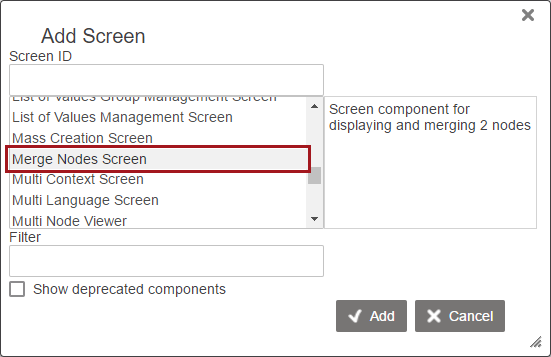
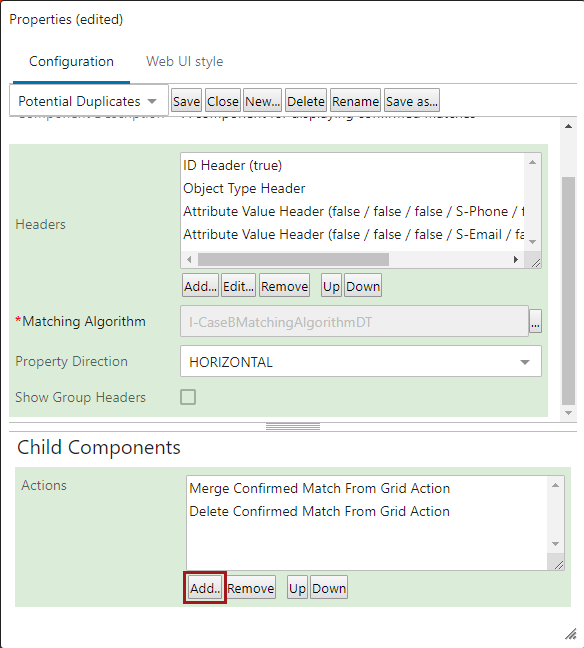
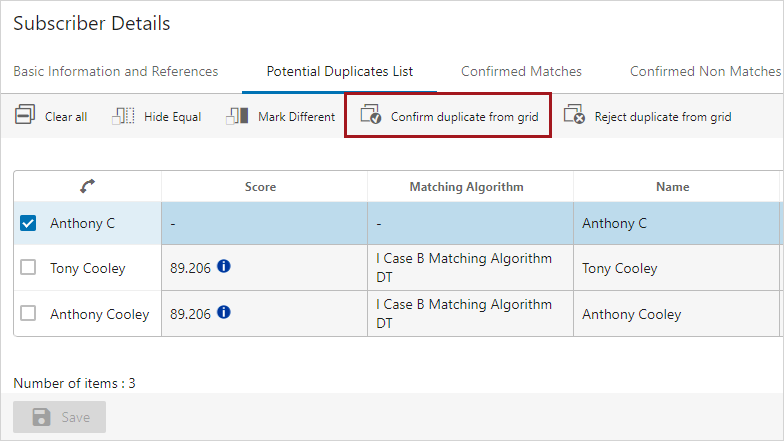
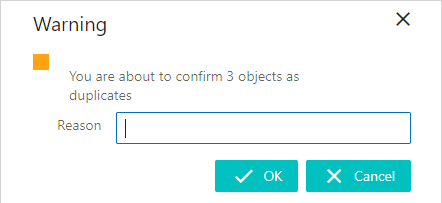
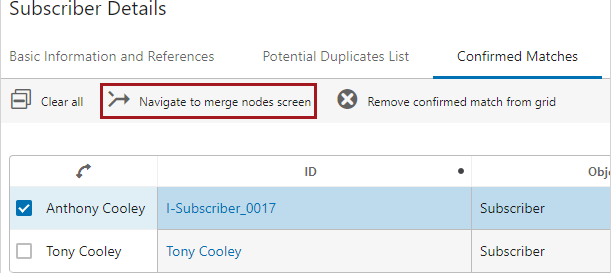
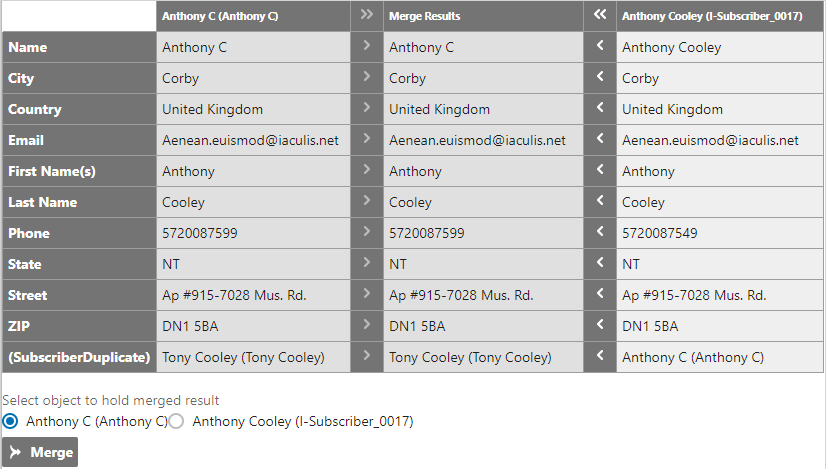
Once two objects have been confirmed as duplicates they can be viewed on a Confirmed Matches component screen. The user can decide whether to merge the duplicates together or reject the confirmation, reverting the objects back into potential duplicates. Opting to merge the matches will invoke a Merge Nodes screen, allowing users to choose which of the two objects will persist following the merge, which will be deleted, and to select the specific attribute values and outgoing references to be applied to the surviving record.
For more information about the Potential Duplicates List component, see the Potential Duplicates List section of the Web UI documentation here.
For more information about how to merge confirmed matches via workbench, see the Handling Potential Duplicates section of the Matching and Linking documentation here.
Note: While the Merge Nodes Screen can be used to merge random nodes of the same super type, it is intended for usage with matching algorithms using the Match Action for Identify Duplicates in conjunction with the Merge Confirmed Match From Grid action in the Confirmed Matches component.
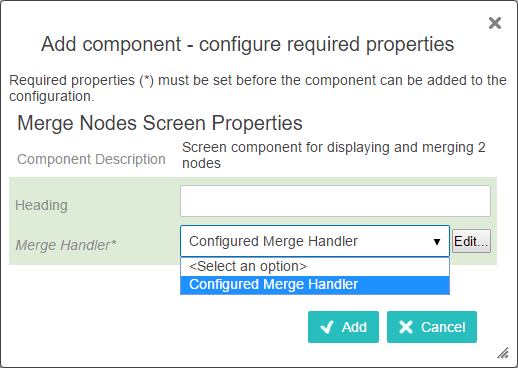
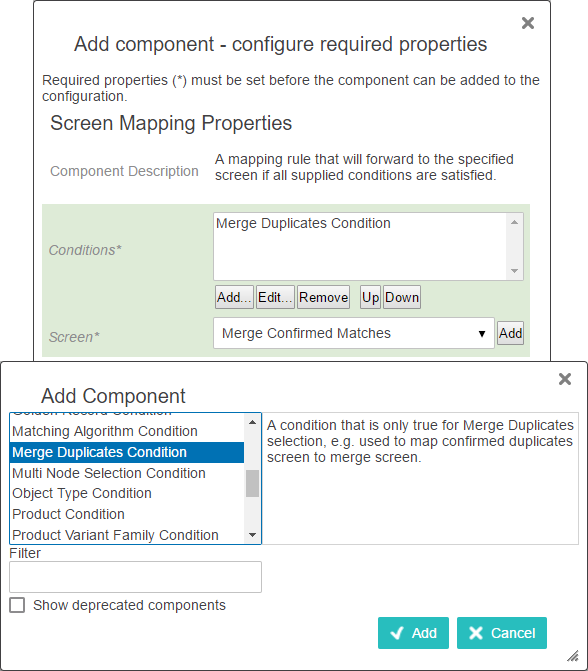
Before beginning the merge process there are a few caveats to consider. Metadata and inherited attributes, as well as inbound references, cannot be merged. Additionally, if the object that remains after the merge does not contain data for a given attribute or reference in any context, the data is taken from the deleted object and merged into the remaining object.
All attributes and references eligible for merging will appear in the table.
2019, Stibo Systems – Confidential