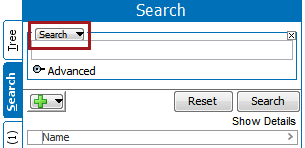
The STEP Workflow Search criteria lets a user search for:
These options are helpful because they allow users to interact with workflows more efficiently. For example, if a user wants to update a group of items that are already in a specific workflow, they can use search to identify the items in a particular state and perform a bulk update on all objects. Additionally, if a user wants to see which items are valid for a particular workflow and which have not yet been initiated they can do so. All of these options assist users when working with workflows.
Below is an example of how the Search tab can be used for workflows.
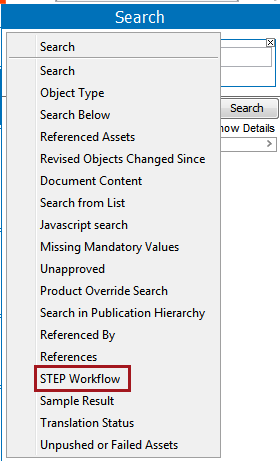
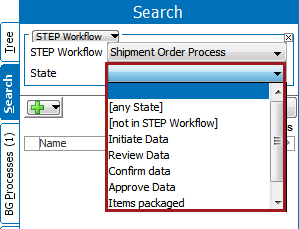
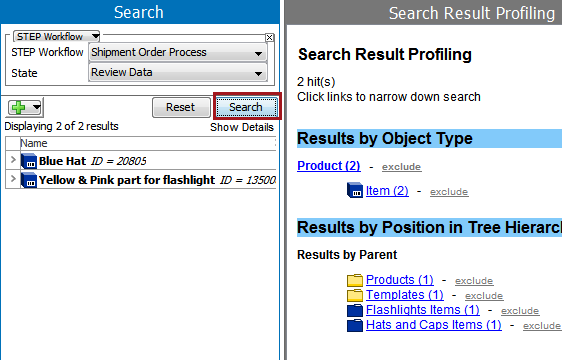
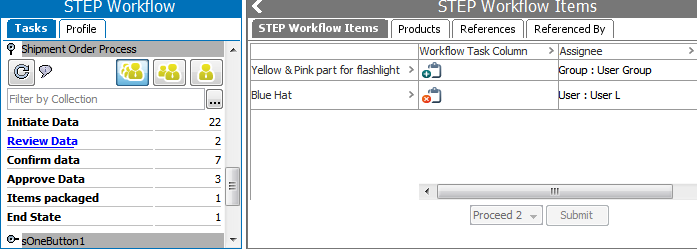
If a user is checking to see what tasks are in a state, they can also verify the results by going to the Tasks sub tab in the Step Workflow tab. See the Moving Tasks through a Workflow in Workbench section of the Workflows documentation for more information
 , and further filtering the results. For example, the workflow criteria could be combined with the Search Below criteria to isolate objects in a particular category.
For more information on the various search criteria and/or the actions that can be taken with a set of search results, see the Search
2019, Stibo Systems – Confidential