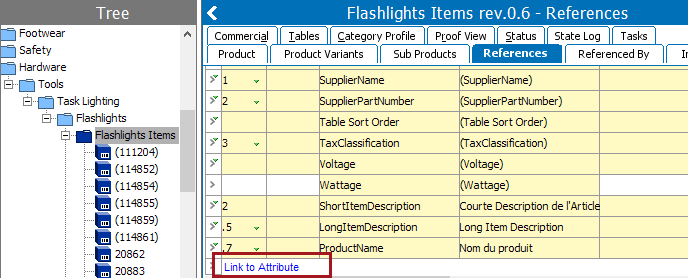
Specification attributes are linked to products or classifications either from:
Linking specification attributes is available for:
Description attributes are linked globally to an object type. They will then be automatically displayed in the Description fields.
Note: If a specification attribute is not in the list of selectable attributes, it may not be available in the current context.
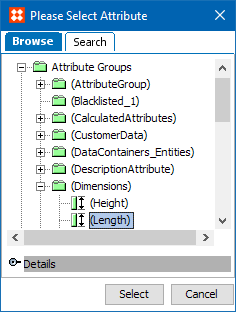
The Select Attribute dialog box appears.
The selected attribute(s) will appear in the list of linked attributes.
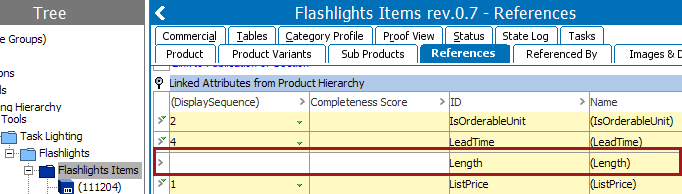
One or more specification attributes have now been linked to a product or a classification node, and the attribute(s) will be available to the linked products and sub products.
Linking a specification attribute to a classification or product can help in maintaining the object. For example, linking a specification attribute to a classification node could help in handling different price values of the object for different seasons. The example below shows an attribute being linked to a product, but the steps are the same for linking to a classification.
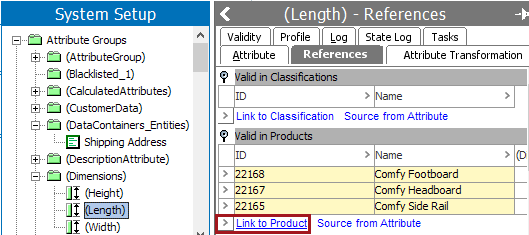
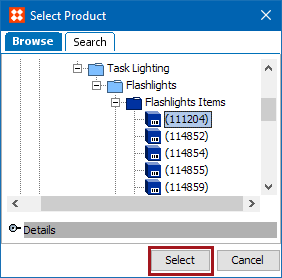
The selected product(s) will appear in the list of 'Valid in Products.'
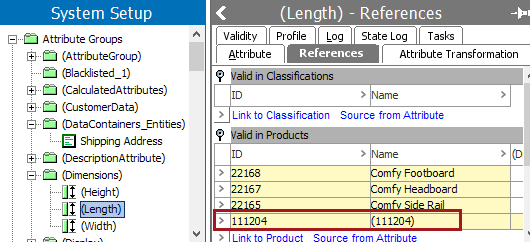
Note: While the maximum number of references to one object node is limited to 10,000 instances, this value can be changed as desired; however, it is against Stibo Systems recommended practices to use this many references.
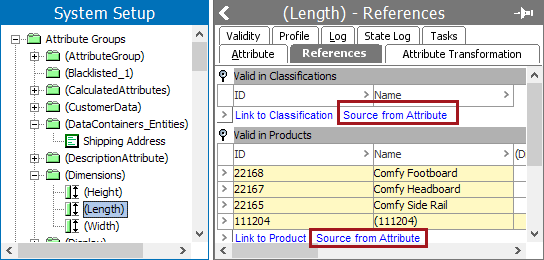
This option is used to copy the classification or product nodes from one attribute and link it to the current attribute. You can link to the 'Source from Attribute' under the 'Valid in Classifications' flipper or the 'Valid in Products' flipper. Because both are linked the same way, an example using a classification will be used.
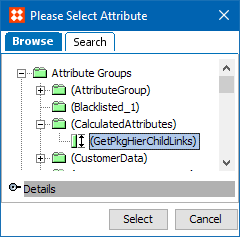
Now the classification node is linked to this attribute.
2019, Stibo Systems – Confidential