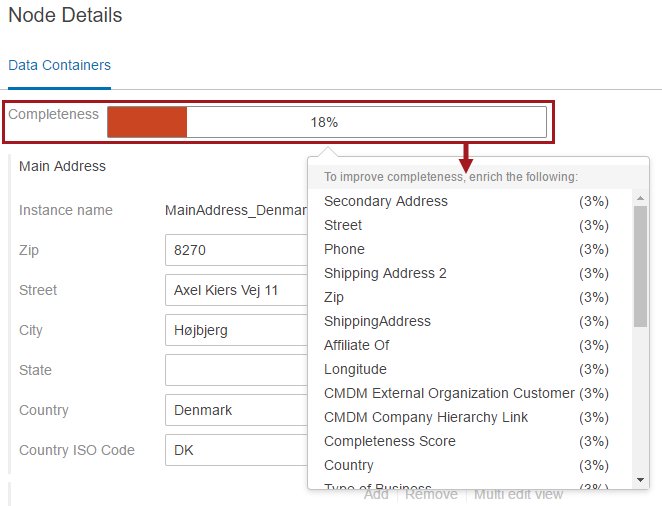
Object completeness indicators are available on Node Details component pages, allowing users to view the completeness of the currently selected node in Web UI. Like in workbench, object completeness is represented by a completeness meter. Additionally, mousing over the meter will provide text describing what you can do to improve the completeness percentage.
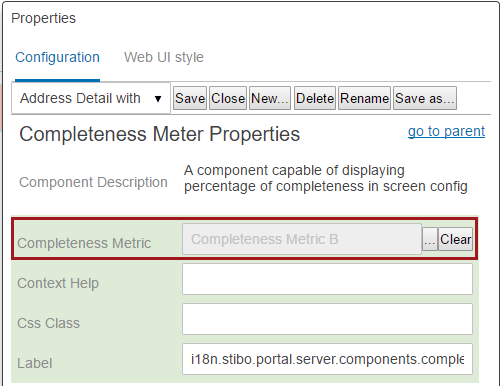
 ) and select the desired completeness metric from the node selector. This selection will determine which completeness metric to use when evaluating the data on the object.
2019, Stibo Systems – Confidential