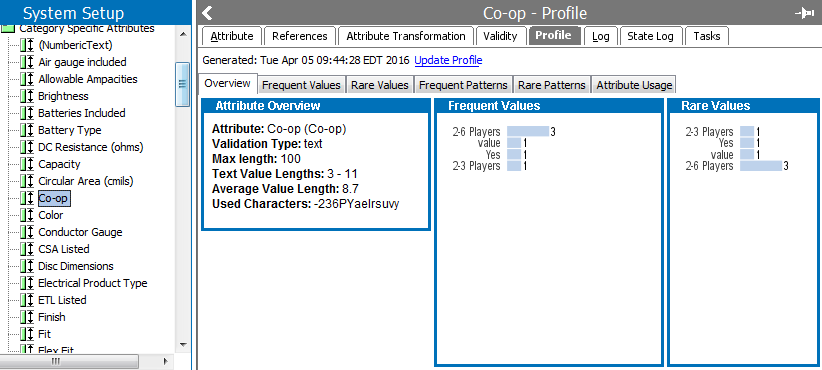
Attribute value profiles enable you to see where and how an attribute is used. The profile provides an overview of how attribute values are distributed across the current context and workspace, and enables users to easily clean up data.
Attribute profiling consists of two parts: Value Profiling and Attribute Usage.
The value profile enables you to identify the most used values and the least used values. If the attribute is full text indexed, then all words are profiled as opposed to the entire value. Other aspects of the values are profiled as well.
Note: Value Profiles do not include inherited values, but do include values on objects in Recycle Bin.
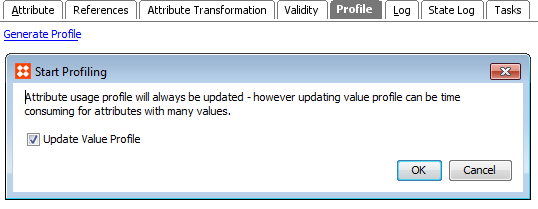
Note: Collecting attribute values can be time-consuming depending on how prolific the attribute is in the system.
Pre-existing value profiles are not deleted if you choose only to update attribute usage. The profile is ready once the background process completes.
To limit the system memory usage when profiling attributes, you can use the following config property:
AttributeProfile.MaxDistinctValuesConsiduredDuringAttributeProfileGeneration
The property limits the number of distinct values to be profiled. The property defaults to 1.000.
2019, Stibo Systems – Confidential