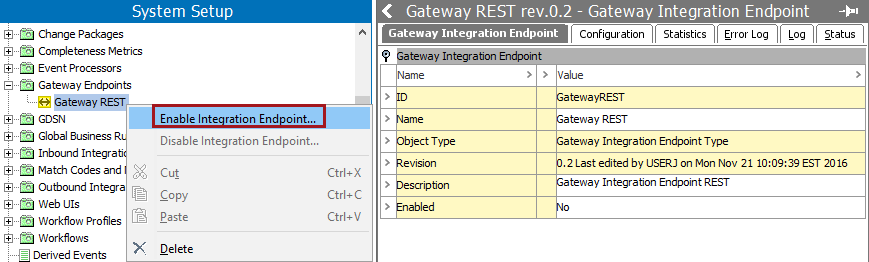
 meaning it has been disabled by user request), right-click, and select Enable Integration Endpoint from the menu.
 After configuring a gateway endpoint, it must be enabled and connected before it can run.
meaning it has been disabled by user request), right-click, and select Enable Integration Endpoint from the menu.
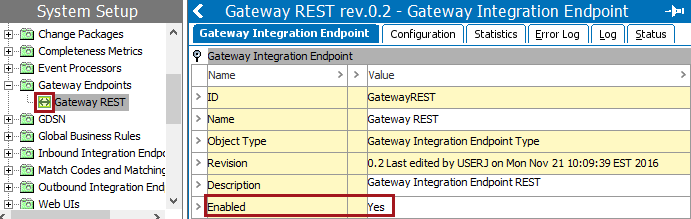
The tree navigator icon is now green ( ) indicating it is active and ready to use. The Gateway Integration Endpoint flipper 'Enabled' parameter now displays 'Yes.'
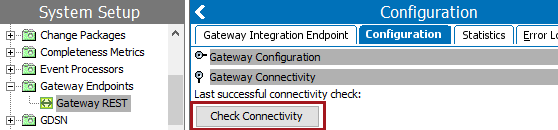
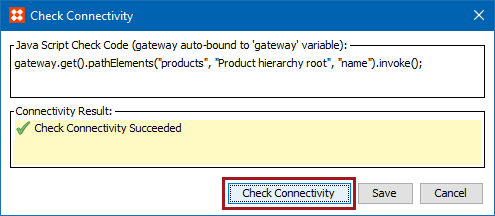
In the following example, the JavaScript gets the name of the "Product Hierarchy root." For information about the JavaScript syntax, click the STEP API Documentation button on the STEP Start Page.
2019, Stibo Systems – Confidential