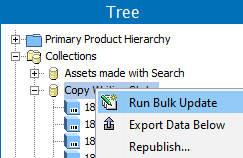
The bulk update functionality allows a user to easily update a large number of objects in a single operation.
To perform a bulk update:
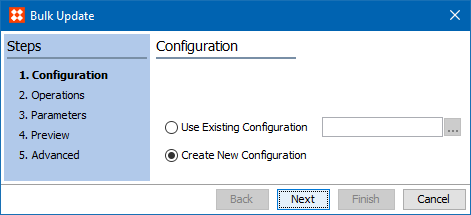
Note: To run a saved bulk update configuration (which loads the operations and settings) first start the wizard, and then choose the existing configuration on the Configuration step shown below.
|
Tree Objects |
System Setup Objects |
|
|---|---|---|
|
|
|
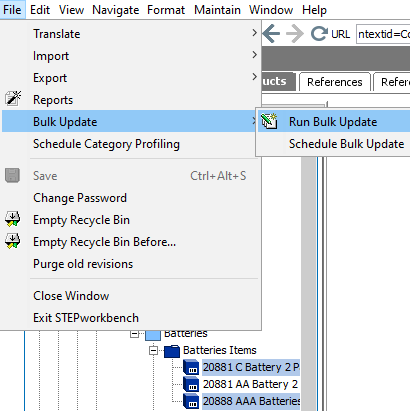
 ).
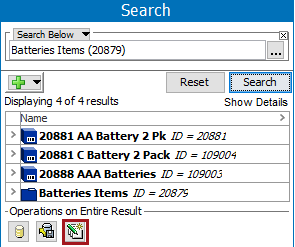
). For more on the Search tab in workbench, see the Search topic in the Getting Started / User Guide documentation here.
2019, Stibo Systems – Confidential