
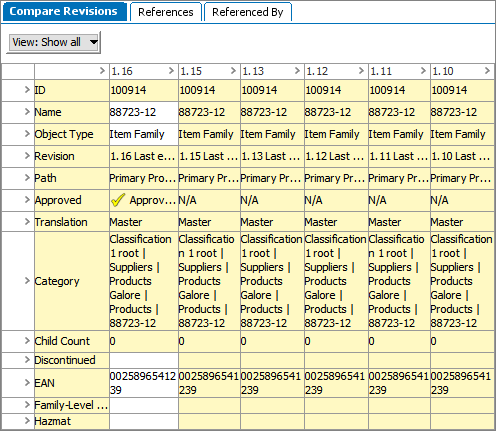
Users may compare revisions on an object within the Revision view. For instance, if a user needs to see how an attribute on a object has changed over the course of five revisions, the five relevant product revisions can be viewed at once on the same screen.
Revision history can also be displayed in Web UI. To learn more, see the Multi Revision Screen topic in the Web User Interfaces documentation here.
To enable revision comparing in workbench:
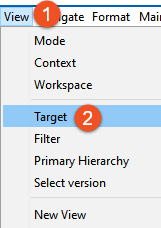
Note: Target cannot be selected unless the object is being viewed in an appropriate mode, like Revision mode.
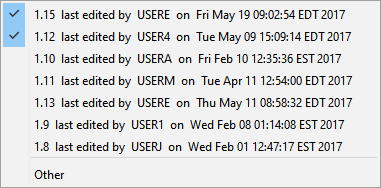
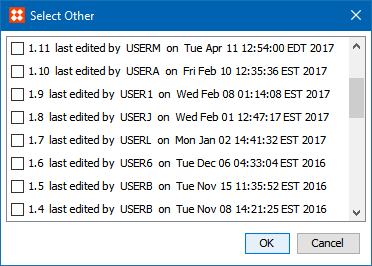
Note: When more revisions are added than can be displayed on the screen, a scroll bar displays allowing access to all revisions.
2018, Stibo Systems – Confidential