Open topic with navigation
Create/Edit Event Consumer
Once an event queue exists, an event consumer is required to define where the data will be delivered via a background process.
Important: The functionality of this legacy feature is limited. Using an OIEP is preferred, as defined in the Creating an Outbound Integration Endpoint topic in the Data Exchange documentation here.
Prerequisites
Complete the steps defined in the following topics before creating an event consumer:
-
Creating a New Event Queue here
-
Maintaining Event Queues here
Creating or Editing an Event Consumer
- In System Setup, right-click an event queue and select the 'Create/Edit Event Consumer...' option to display the Create Event Consumer Process wizard.
- On the Notice step, the message indicates if you are creating a new event consumer or editing an existing one, click the Next button.
- On the Select Plugin step, choose a plugin from the dropdown and complete the additionally required parameters, then click the Next button.
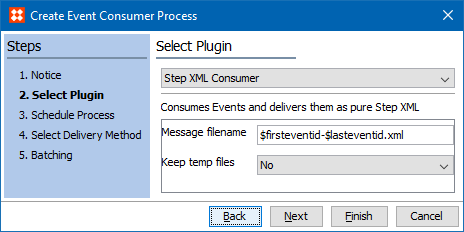
Note: Hover over a parameter label to display information on the required data.
- Step XML Consumer (default) delivers events as STEPXML. For more information on this format, see the STEPXML Format topic in the Data Exchange documentation here.
- Demo Consumer (Firefox) uses a consumed event queue with a specific Firefox demo plugin to deliver XML that can be rendered by the Firefox browser.
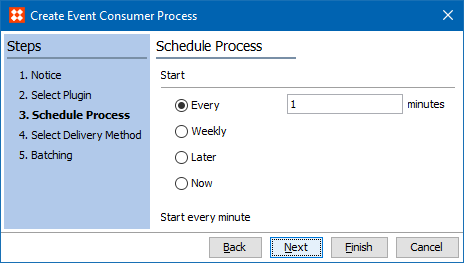
- On the Schedule Process step, set the schedule as defined in Scheduled Data Export - Schedule Process topic (here) in the Data Exchange documentation, then click the Next button.
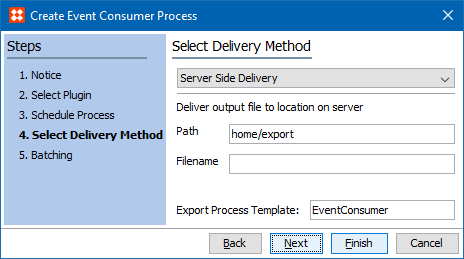
- On the Select Delivery Method step, choose a method from the dropdown and complete the additionally required parameters as defined in the Export Manager - Select Delivery Method topic (here) in the Data Exchange documentation, then click the Next button.
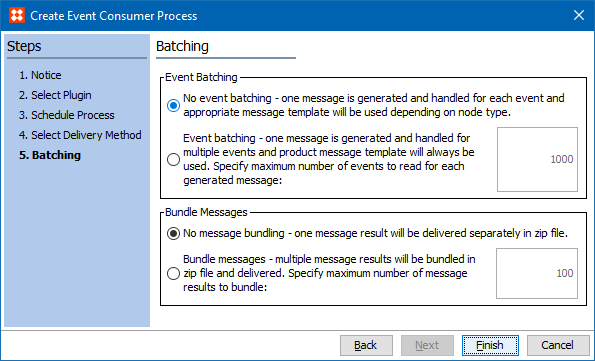
- On the Batching step, select an option as defined in OIEP - Event-Based - Choose Data Source topic (here) in the Data Exchange documentation, then click the Finish button to start the background process.
- On the 'Starting process Consuming events from '[eventqueue]' dialog, make a selection.
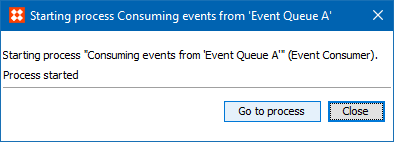
- Go to process displays the background process on the BG Processes tab under the 'Event Consumer' node.
- Close starts the background and closes the 'Starting process...' dialog.
Output
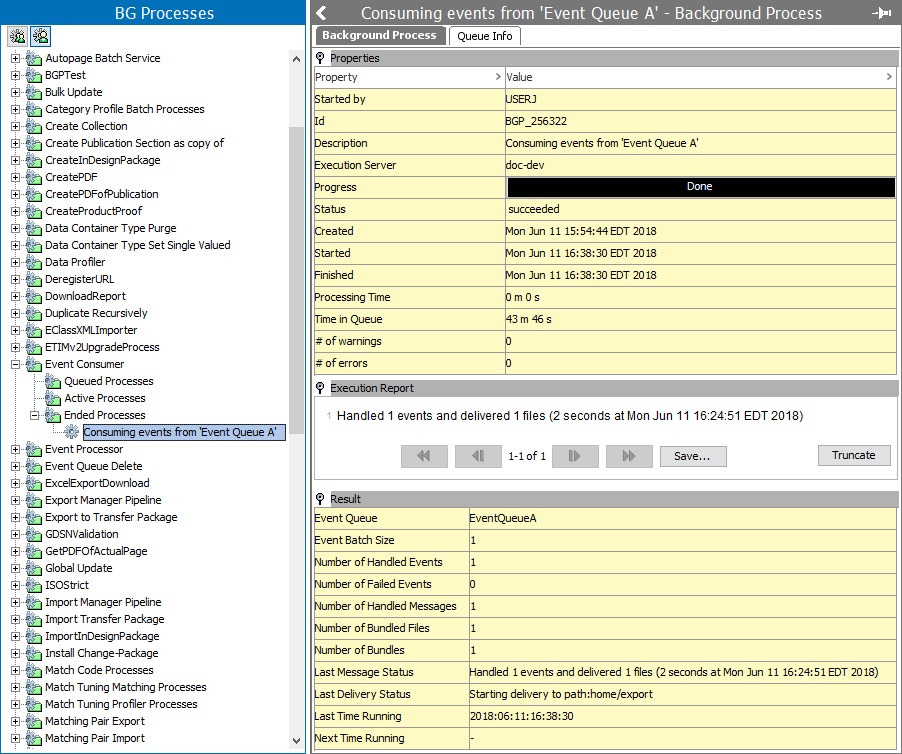
The background process editor as shown below, displays details about the progress, success, or failure of the BGP. The Result flipper includs the location of the output based on the Delivery Method step selection.
2018, Stibo Systems – Confidential