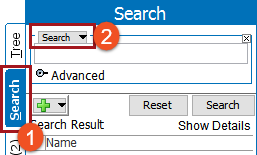
The Search Below Search Criteria allows you to limit your search result to objects below a specified node in the System Setup or Tree tab hierarchy.
Note: The search below option can be applied to the following object types only: attribute, classification, collection, entity, product, and publication.
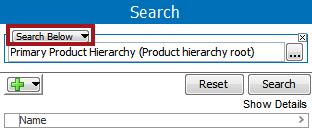
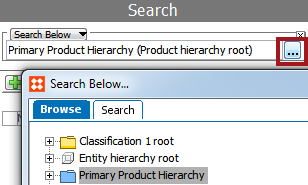
 ) to display the Search Below... dialog. By default the Primary Product Hierarchy is selected as search criteria.
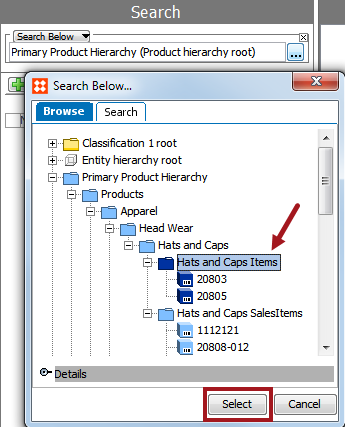
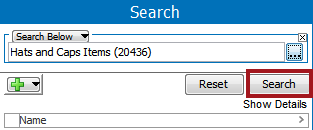
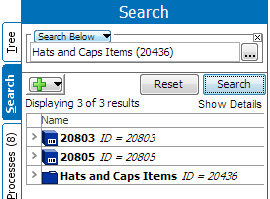
The Results displayed includes only items at or below the selected node. Additionally, the selected node for the search below criteria will also be included in the search results. In the example shown below, Hats and Caps Items is also included in the search result
2018, Stibo Systems – Confidential