
This criteria is used to identify objects that are not currently approved. These include classifications, products, images and documents, and entities setup to be Workspace revisable.
To set a criteria as an Unapproved search, first click on the side Search tab. You will see a small dropdown bar that defaults to Search. Click on the dropdown bar and select Unapproved.
Once you select this, there are three options to use: 'Never approved or modified in main,' 'Never approved,' or 'Modified in Main.'
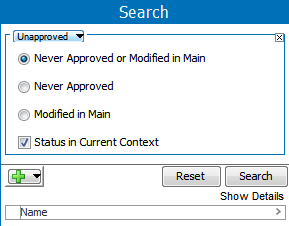
Never Approved or Modified in Main: This is the consolidation result of 'Never been approved' objects and 'Modified in main' objects.
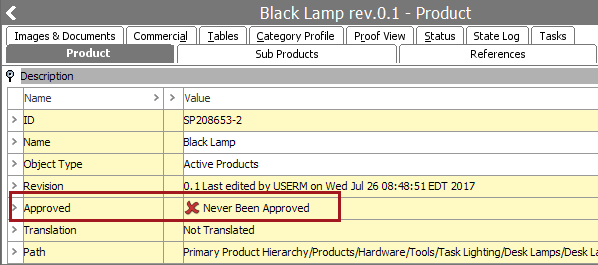
Never Approved: This search result displays objects (products, classifications, assets & documents, or entities that are setup to be workspace revisable) that have never been approved (certified).
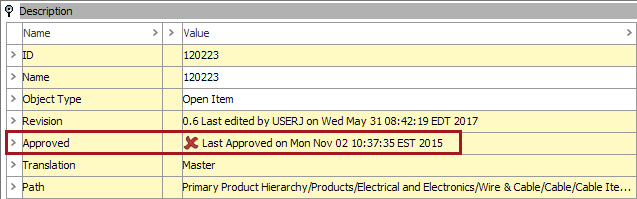
Modified in Maintenance: When the 'Modified in Maintenance' option is selected, search result will be displayed for objects which are modified after the approval or added to in the maintenance setting.
Status in Current Context: When this box is checked, it will only search in STEP under what is selected in the current context. If it is unchecked, it will search all objects in all of the contexts.

2018, Stibo Systems