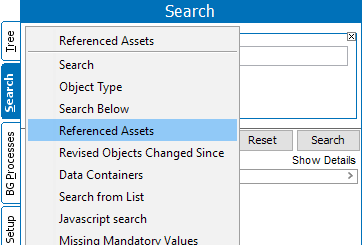
The Referenced Assets search criteria is used for finding product objects which has referenced assets to the specified product.
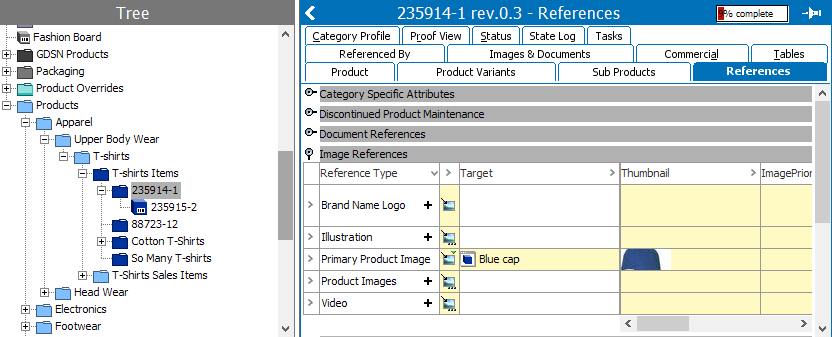
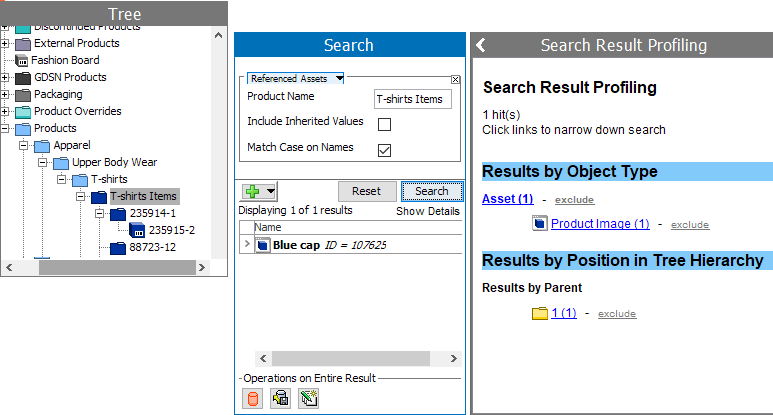
By default all local referenced assets for the specified product are displayed.
Steps to setup Referenced Assets search criteria are below:
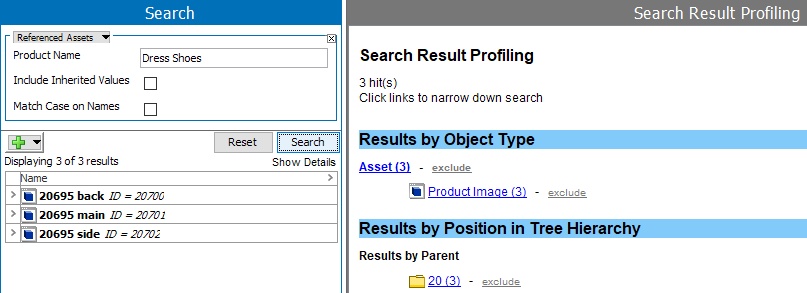
Note: I the product ID and name are the same,or if the product name has numbers as part of its name, the search result will still display all the local referenced assets of the Product specified.
When performing a search there are two search search checkbox options that a user can select:
2018, Stibo Systems