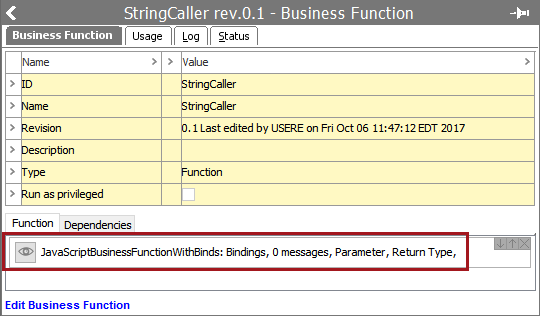
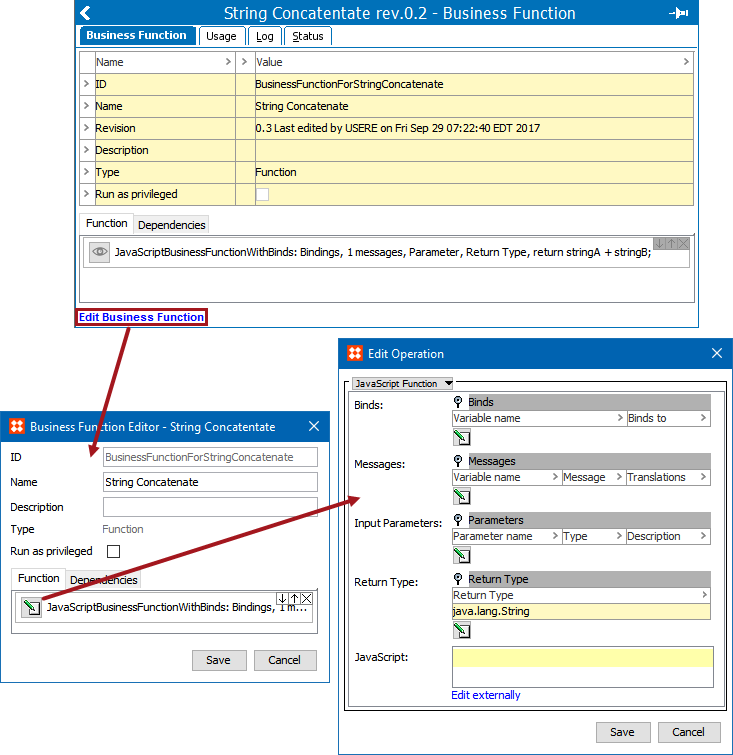
The default Business Function operation is the 'JavaScript Function' and displays as 'JavaScriptBusinessFunctionWithBinds' on the Function tab. This operation allows users to define their own functions using JavaScript while binding various STEP data for use.
To add the JavaScript to this operation, click the Edit Business Function link.
For more information on editing a business function, see the Editing a Business Rule topic in the Business Rules documentation here.
Configuration
In this section, you will find an example of how to configure a Business Function that displays the text of a referenced object's attribute value description.
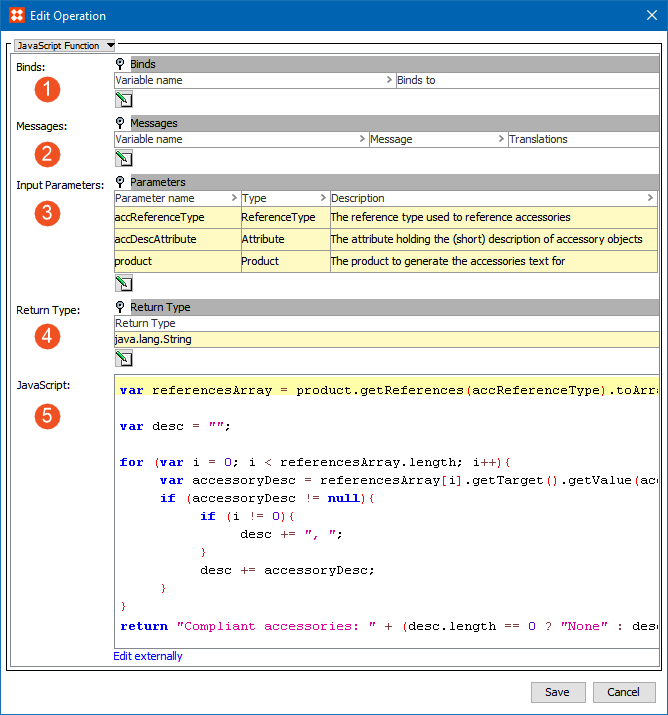
Note: The dynamic binds available for business functions are 'STEP Manager' and 'Logger.'
For more information on STEP JavaScript Binds, see the JavaScript Binds topic (here) as well as the Adding a Bind topic (here) in the JavaScript section.
Using the provided example, when a user calls this Business Function, they must provide an attribute, references, or a product, which are passed as objects.
var referencesArray = product.getReferences(accReferenceType).toArray();
var desc = "";
for (var i = 0; i < referencesArray.length; i++){var accessoryDesc = referencesArray[i].getTarget().getValue(accDescAttribute.getID()).getSimpleValue();
if (accessoryDesc != null){ if (i != 0){desc += ", ";
}
desc += accessoryDesc;
}
}
return "Compliant accessories: " + (desc.length == 0 ? "None" : desc);
See the Calling a Business Function from a JavaScript Business Rule topic for information on executing and testing business functions here.
2018, Stibo Systems