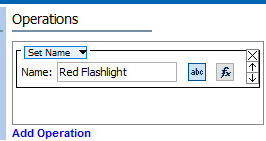
This sets the name of the object on which the bulk update is run. A user can either enter the name manually, or specify a function in the Function editor for naming the object.
See the Using Function Editor topic within the Attributes documentation
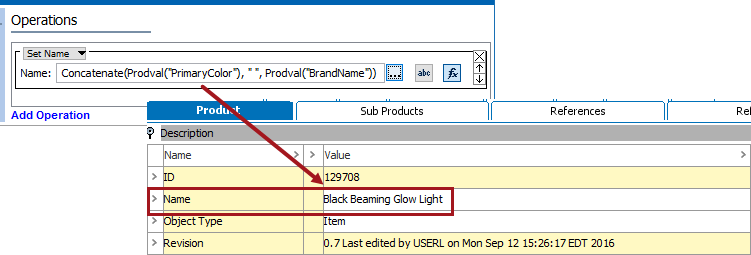
To create a name using the editor, it is often attributes on an item that are concatenated to make the name. For example, in the image below there are two attributes that are populated that will be set to create the name of this flashlight: 'Primary Color' and 'Brand Name'.
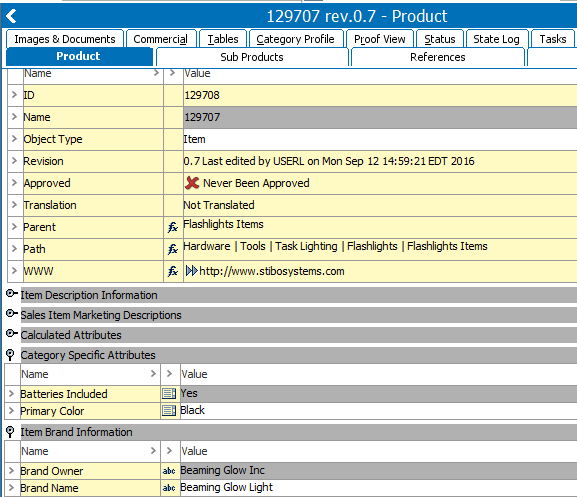
By concatenating these two attributes together, it is possible to make a name for this flashlight item.
2018, Stibo Systems