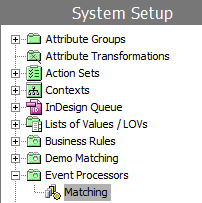
To enable an event processor, complete the following steps:
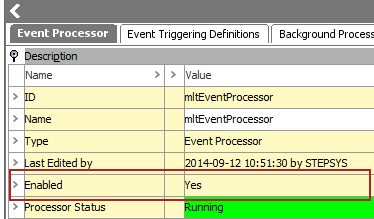
The state of an event processor is identified by the color of the icon. State information is also displayed in text on the Event Processor tab of the editor, as shown above.
| Icons | Description |
|---|---|
|
|
Active: the event processor is connected and running. |
|
|
Disabled: the event processor has been disabled by user request. |

|
Stopped: the event processor has stopped because of a failure. |
2017, Stibo Systems

