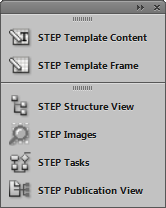
The STEP Palettes are used for actual mounting of STEP data, including template composition and image mounting. Six InDesign palettes (also known as panels in InDesign terminology) are used with STEP'n'design:
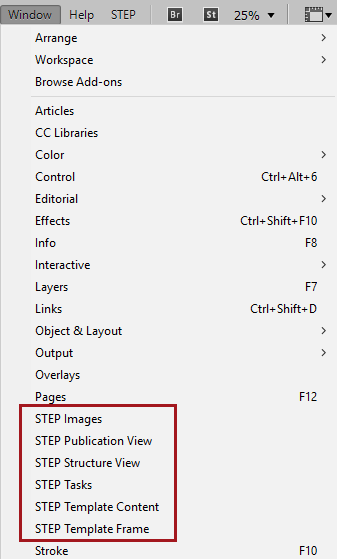
The STEP palettes are accessed from the Window menu in InDesign (accessed from the InDesign application bar across the top of the InDesign interface) and function like any other panels in the InDesign interface. For example, they can be docked, stacked, resized, and collapsed.
Details on each STEP’n’design palette are addressed in the following sections of this documentation.
2017, Stibo Systems