
Outbound integration endpoint settings can be viewed and edited from the Outbound Integration Endpoint editor. For information about creating a new outbound endpoint, see the Creating an Outbound Integration Endpoint section here.
Each tab on the editor is defined below and includes parameters to maintain the OIEP.
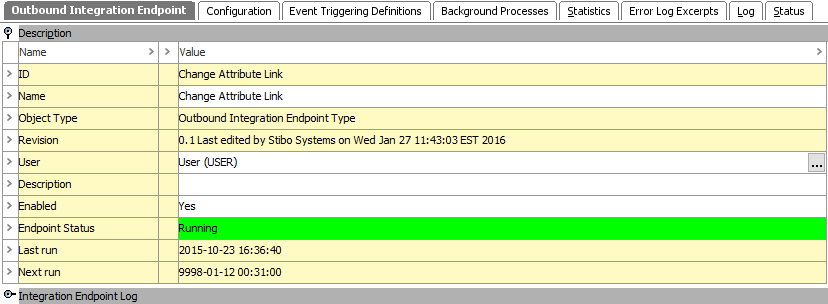
This tab holds basic information within the following flippers:
The Description flipper includes basic information to identify the OIEP. The name, user, description, and enabled parameters can be edited.
For information on the Endpoint Status, see Running an Outbound Integration Endpoint documentation here.
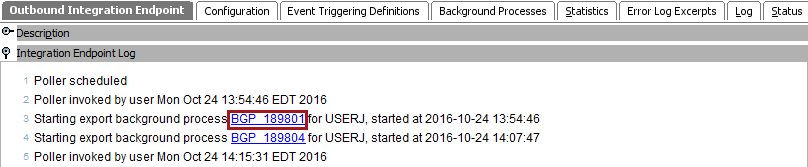
The Integration Endpoint Log flipper contains information about the endpoint background process. An entry is generated each time the endpoint is invoked, when background processes generated by the endpoint are started, and when processing errors occur.
This tab contains many parameters required to successfully run an outbound integration endpoint.
Most of the parameters on this flipper can be edited. The type of editing available varies based on the parameter as defined below.
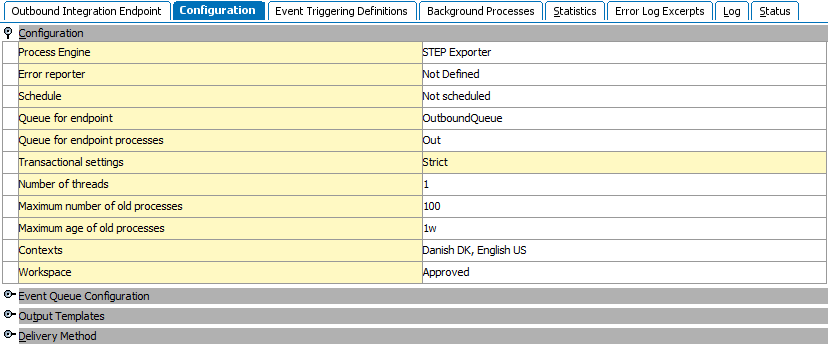
The Transactional setting parameter cannot be edited and does not have the same significance as for IIEPs. For information, see OIEP - Event-Based - Configure Endpoint (here) or OIEP - Select Objects - Configure Endpoint (here).
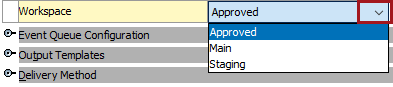
The following parameters can be edited within the OIEP editor as defined:
For information on the Process engine or Workspace, see OIEP - Event-Based - Configure Endpoint (here) or OIEP - Select Objects - Configure Endpoint (here).
For information on the Error Reporter or Schedule, see the Error Reporter section of the OIEP - Configuration Flipper here.
For information on Contexts see OIEP - Event-Based - Configure Endpoint (here) or OIEP - Select Objects - Configure Endpoint (here).

For information on the Transactional settings, Number of threads, Contexts, and Workspace, see OIEP - Event-Based - Configure Endpoint (here) or OIEP - Select Objects - Configure Endpoint (here).
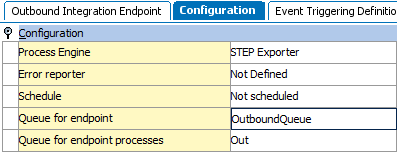
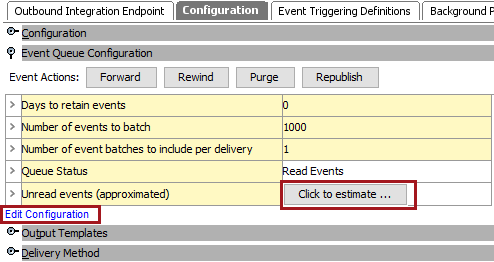
The additional configuration flipper displayed is determined by the type of OIEP being viewed. Event-based OIEPs include the Event Queue Configuration flipper.
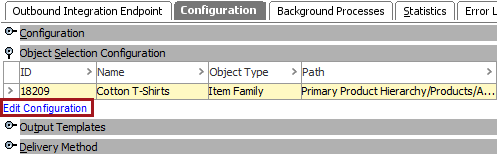
the Object Selection Configuration flipper is only displayed when the selected OIEP uses the Select Objects data source, as defined on the Choose Data Source step of the wizard. For more information, see OIEP - Select Objects - Choose Data Source here.
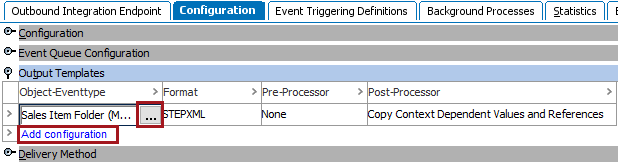
This flipper allows selection of object or event types, in addition to the format required for output. Pre-processors and post-processors can also be set and availability is based on the system configuration.
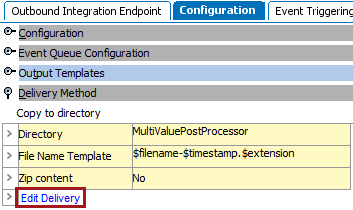
Details about the delivery method selected are displayed.
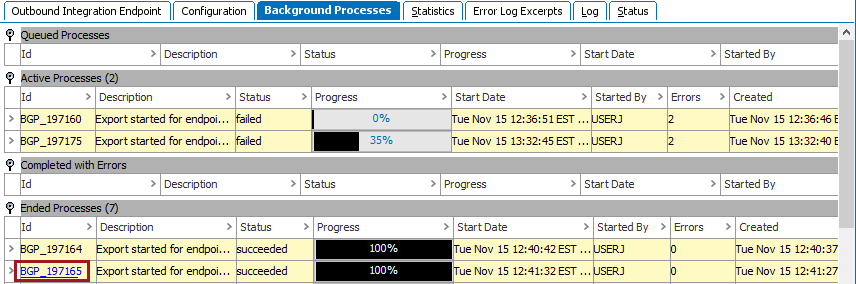
This tab holds information about any related processes. Hover over an ID to display the background process (BGP) link, click it to open the individual Exporter Background Processes.
For more information, see the Monitoring an OIEP via Background Processes section here.
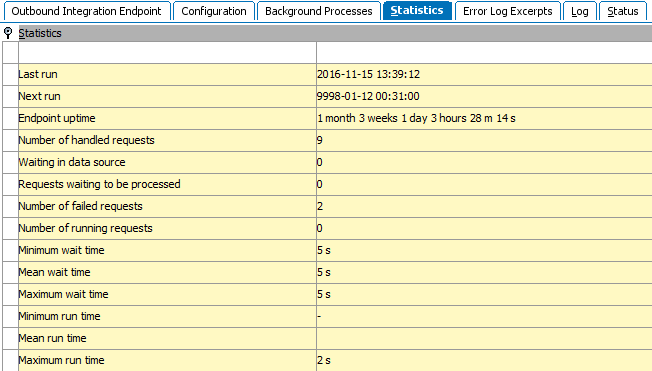
This tab provides statistics about the number of requests handled, run times, and wait times.
This tab shows data from the main Java log file related to failed background processes with Log Level > 'Info'. Click a hyperlink to a failed background process and correct the cause of the failed background process. For more information, see Handling Failed OIEP Background Processes here.

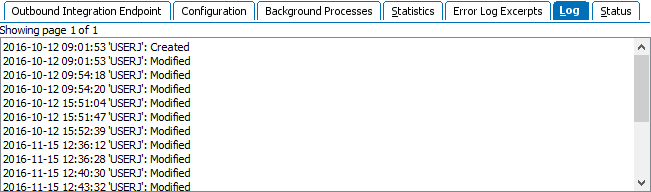
This tab provides information about changes to the OIEP configuration.
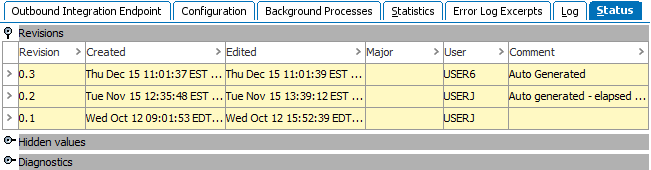
This tab provides information about revisions, hidden values and diagnostics.
2017, Stibo Systems