Open topic with navigation
Specifying a Business Condition
- In System Setup, expand Business Rules and select the relevant business condition.
- On the Business Rule tab click Edit Business Rule to open the business rule editor.
- In the Valid Object Type field, click the ellipsis button (…) and select the object types for the condition.
- In the lower left corner, click Add New Business Condition link.
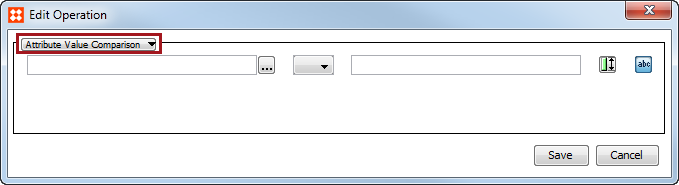
- On the Operations tab, click the Edit Operation
 button.
- Use the Business Condition dropdown to select the preferred condition. For more information about the options, see the Business Conditions section of Business Rules documentation here.
Important: If you specify more than one condition, all conditions must be true for the overall condition to be true.
- Click Save to save the changes.
2017, Stibo Systems