This setup action is not required, but is strongly recommended. The solution includes functionality to auto-create all objects, references, attributes, workflows, etc., required to support the solution. The user executing the auto-create functions (described in subsequent steps) will be recorded as the creator / editor of those objects in STEP. It is therefore recommended that a new user be created for this purpose, so that an accurate audit trail is in place.
The user must be created as a Super User without any privilege restrictions. For example:
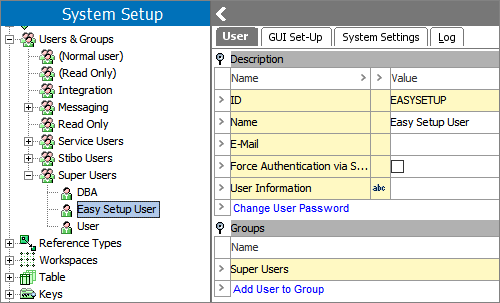
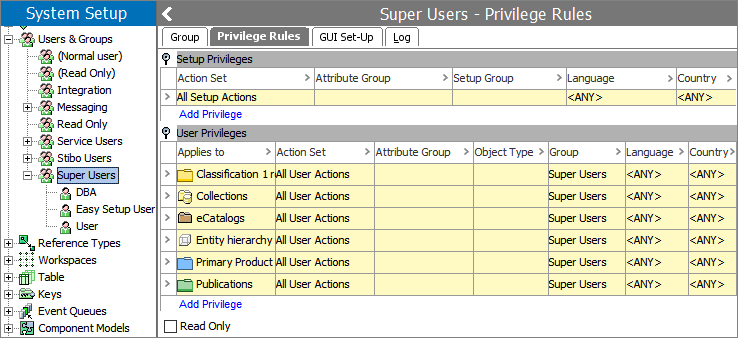
Additional information on managing users and privileges is available in the STEP Online Help.
The admin user managing the initial setup of the system should log in using this newly created user before carrying out the following actions.