On some Node List type screens in Web UI, the 'Use Immediate Save' parameter in the designer controls the auto-save feature. Enabling the parameter removes the manual Save button that otherwise displays to the right of a table and saves valid edits as they are made. While this is the preferred scenario, in cases where, for example, business rules are run with a save function, or additional validations are performed, displaying the manual save button may be preferred.
For example, on a multi reference node list with the 'Use Immediate Save' parameter enabled shown below, the save button is not displayed since edits are saved automatically.
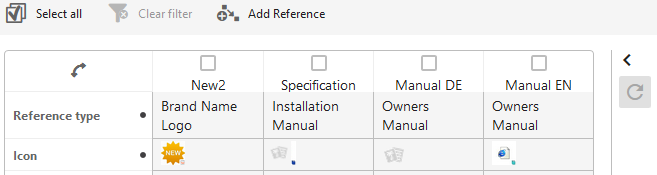
Disabling the 'Use Immediate Save' parameter on the same node list shown below, allows the user to manually save edits using the save button.
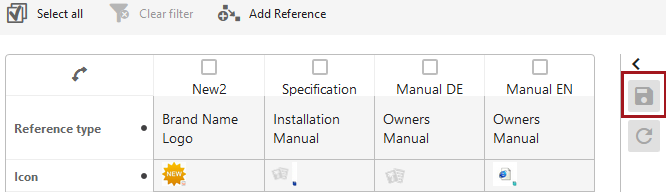
In both cases, the reset button  displays so that error messages and invalid values can be cleared. For example:
- If another user edits the same field on the same object before you make your edit, you are editing an out-of-date value. Because the screen has not been refreshed to show their changes, you will get an error: '[edited_object] was updated by another user. Please reload the page.'
- If the value you edit cannot be saved because it does not comply with the validation base type, you will get an error: 'Invalid value [value] does not conform to the required format.'
See the following topics for information about the availability of the 'Use Immediate Save' parameter: