BG Processes States
The following states are possible for a background process that has started.
Queued Processes
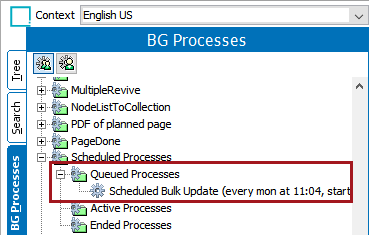
This shows the list of processes which are in queue but have not yet been started. When the queued process is started it moves to the active process node.
Active Processes
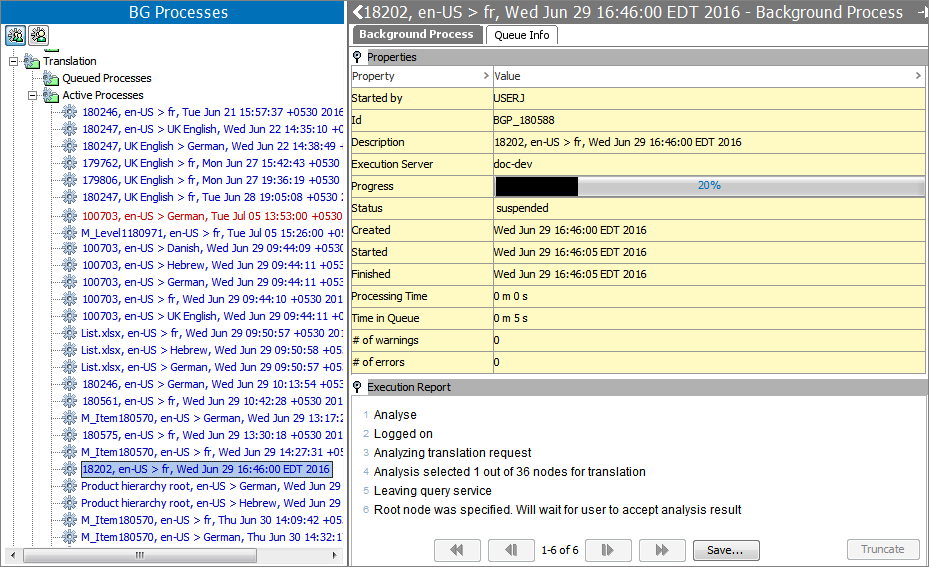
This shows the list of processes which are currently being executed.
Active processes that have failed remain in the active process node but are highlighted with red colored text.
- For failed IIEP processes, see the Handling Failed IIEP Background Processes topic in the Data Exchange documentation here.
- For failed OIEP processes, see the Handling Failed OIEP Background Processes topic in the Data Exchange documentation here.
Completed with Errors Processes
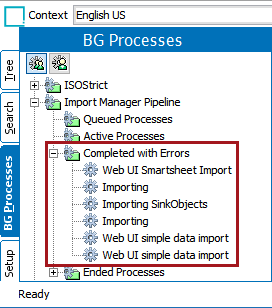
This shows a list of processes which are completed, but with a few errors. The minor errors are displayed with the details, but the events that can be processed will eventually complete.
Note: 'Completed with Errors' option is only available for a limited number of processes including Asset importer process, Import Manager pipeline, Match Code processes, Smartsheet Import, and StateflowDeadline.
Ended Processes
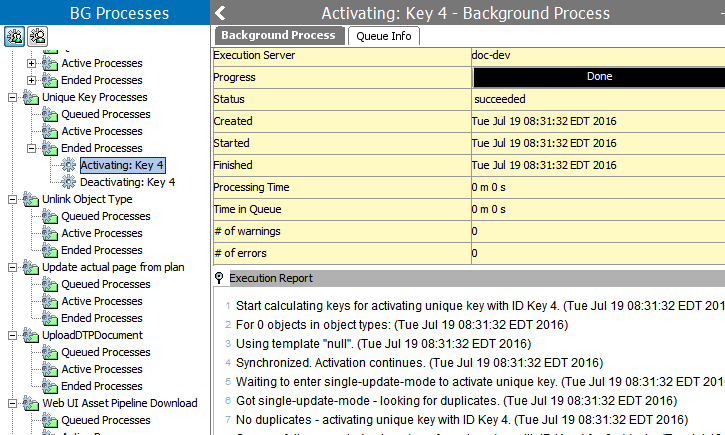
This displays a full list of all the processes which have been processed without any errors.