Approved Symbols and Messages
An object can contain both workspace revisable data and globally revisable data. The Approved symbols and messages indicate the status of the workspace revisable data on a product, classification, image, or document. The status can be viewed in the Approved field on these objects.
For details on the approval process, see the Approving an Object topic here.
For more information on revisability, see the Revisions topic in the System Setup / Super User guide here.
Approved Status Symbols
| Approved Symbols | Status | Description |
|---|---|---|
|
|
Unapproved |
Revised data on product, classification, or images & documents in current context is not approved. For example:
Examples of changes to revised data include:
Note: When linking a product to classification and in case the classification object type owns the product links, then the product does not get the Unapproved symbol. For more information, see the Object Types and Structures topic in the System Setup / Super User guide here. |
|
|
Approved |
Revised data on product, classification, or images & documents is approved in all contexts. Note: No data in any context needs to be approved. |
|
|
Partial Approved |
Revised data has been approved in current context but a reference, object name, or value needs to be approved for the object to be approved in all contexts. If you view another context, then you typically see that:
When all the dimension dependent references, attribute values, and object names have been approved, the symbol changes from yellow Partial Approved symbol to a green Approved symbol. |


Approved Status Messages
Messages are displayed for workspace revisable data as follows.
Unapproved
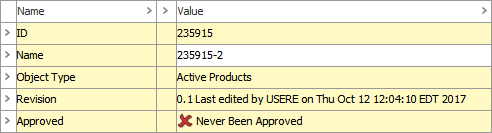
When an object is newly created and never been approved as shown below:
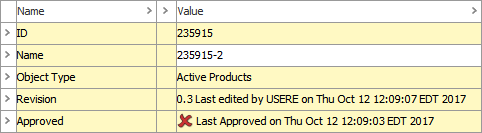
When an object attribute / reference is modified, the status will show as 'Last Approved on' along with the date and time as shown below:
Approved
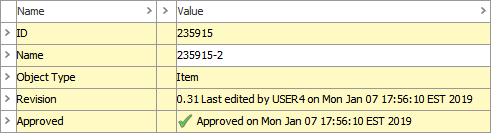
When an object is approved in all contexts the status displays as shown below:
Partially approved
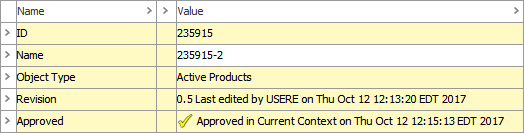
When an object is approved in only some contexts the status displays as shown below: