Embedded Analytics Platform - Selecting URLs
This topic covers how to find and select URLs for Sisense dashboards and widgets that will be input into the URL parameter within the Embedded Analytics Platform Widget Properties and/or Embedded Analytics Screen Properties configurations.
To input these URLs for dashboards and widgets, they must be created prior to configuring the EAP Screen component or EAP Widget component.
URLs can be copied from the address bar.

Dashboard and widget embedded URLs can also easily be extracted in the following manner, if you are logged into the Sisense server as an admin user.
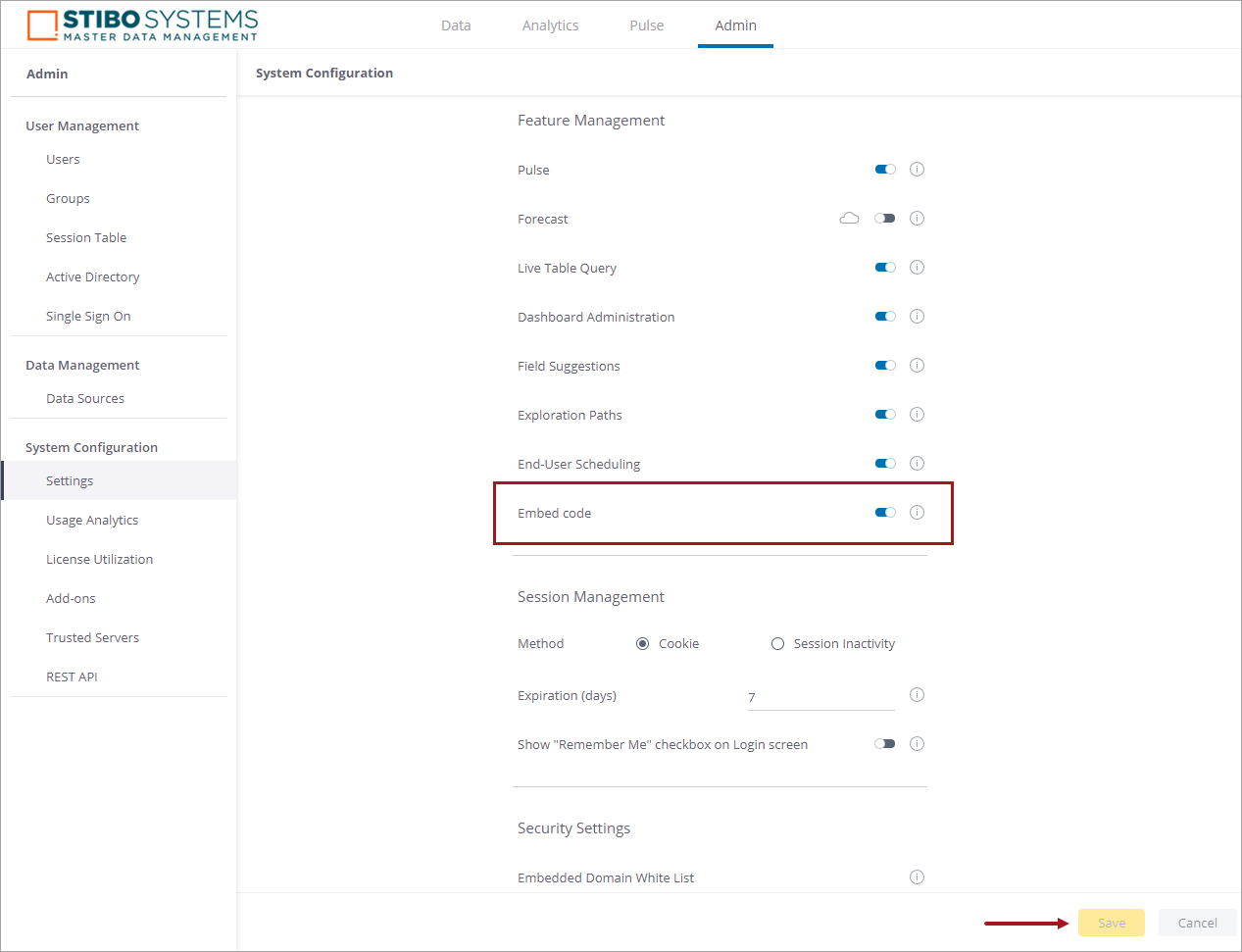
- On the Admin tab, go to System Configuration > Settings > Feature Management and enable the setting for 'Embed code.'
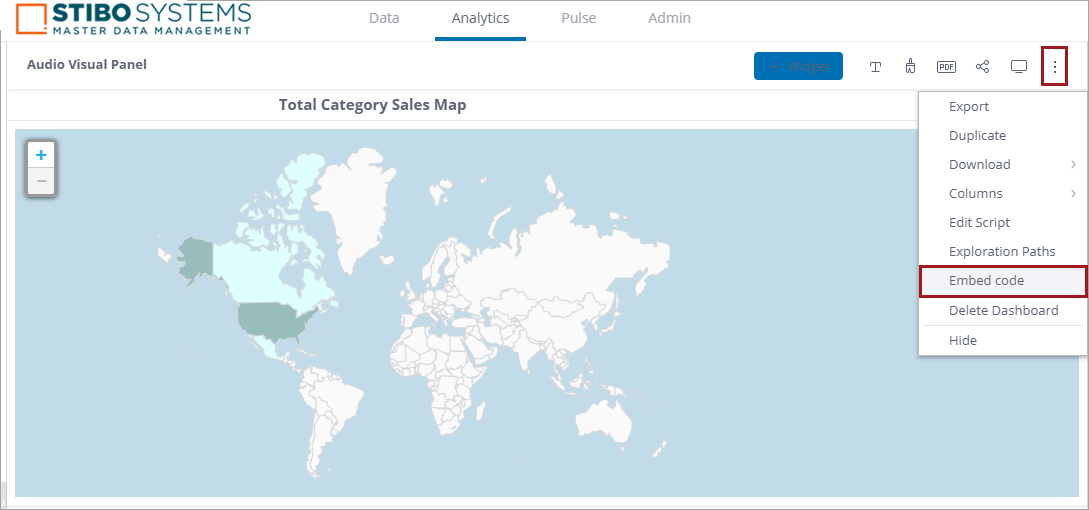
- Within the dashboards and widgets under Analytics, select the menu at the top right of the panel (three dots) and select 'Embed code.'
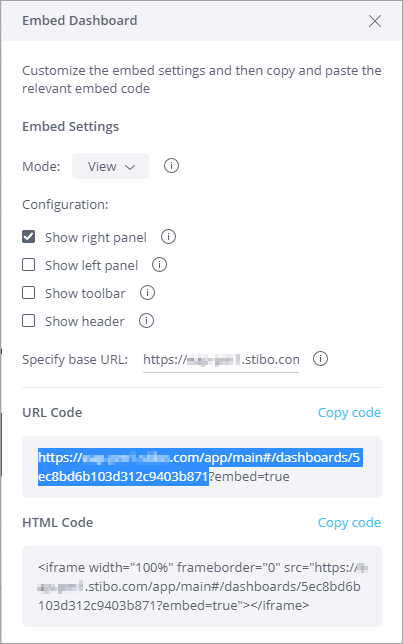
- Copy the base part of the URL Code as shown in the image below.