Maintaining a Unit Group
Unit groups can be created and deleted as necessary. Each maintenance option is defined below.
Creating a Unit Group
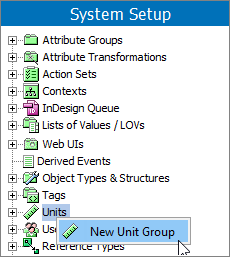
- In System Setup, click the Units node, right-click the Units node, and then click the New Unit Group option.
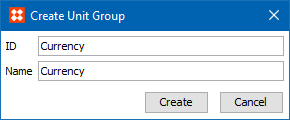
- In the Create Unit Group dialog:
- Enter an ID for the new unit group.
- Enter a Name for the new unit group.
- Click the Create button.
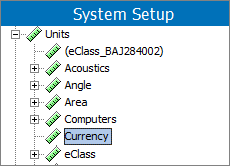
The newly created unit group displays in System Setup as shown below.
Deleting a Unit Group
- In System Setup, click the Units node, and click the units group to be deleted.
- Verify no units exist within the group. To delete the exiting units, see the Deleting a Unit section of the Maintaining a Unit topic here.
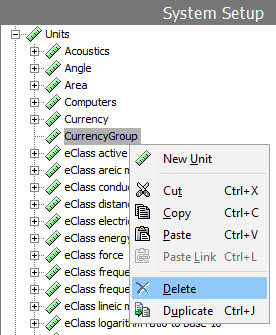
- When no units are displayed for the group, right-click the unit node and click the Delete option.
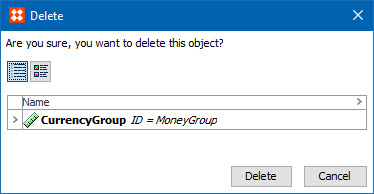
- On the Delete warning dialog, choose an action:
- Click the Delete button to delete the unit group.
- Click the Cancel button to return to the unit group editor.
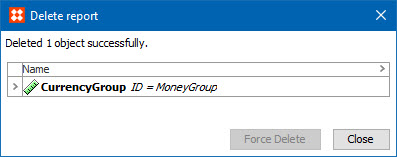
If the unit group was deleted, the confirmation dialog is displayed.